



Salonnare explained: the complete guide to running your salon in 2026
How many hours a week do you spend on phone calls, messages and updating your calendar? For many salon owners the admin feels like a second job that never stops. In this guide you will read what Salonnare is, which parts you use every day, what is included in each plan and what it really costs you, including the transaction fee on online payments. That way you know in advance whether it suits your salon.
What is Salonnare?
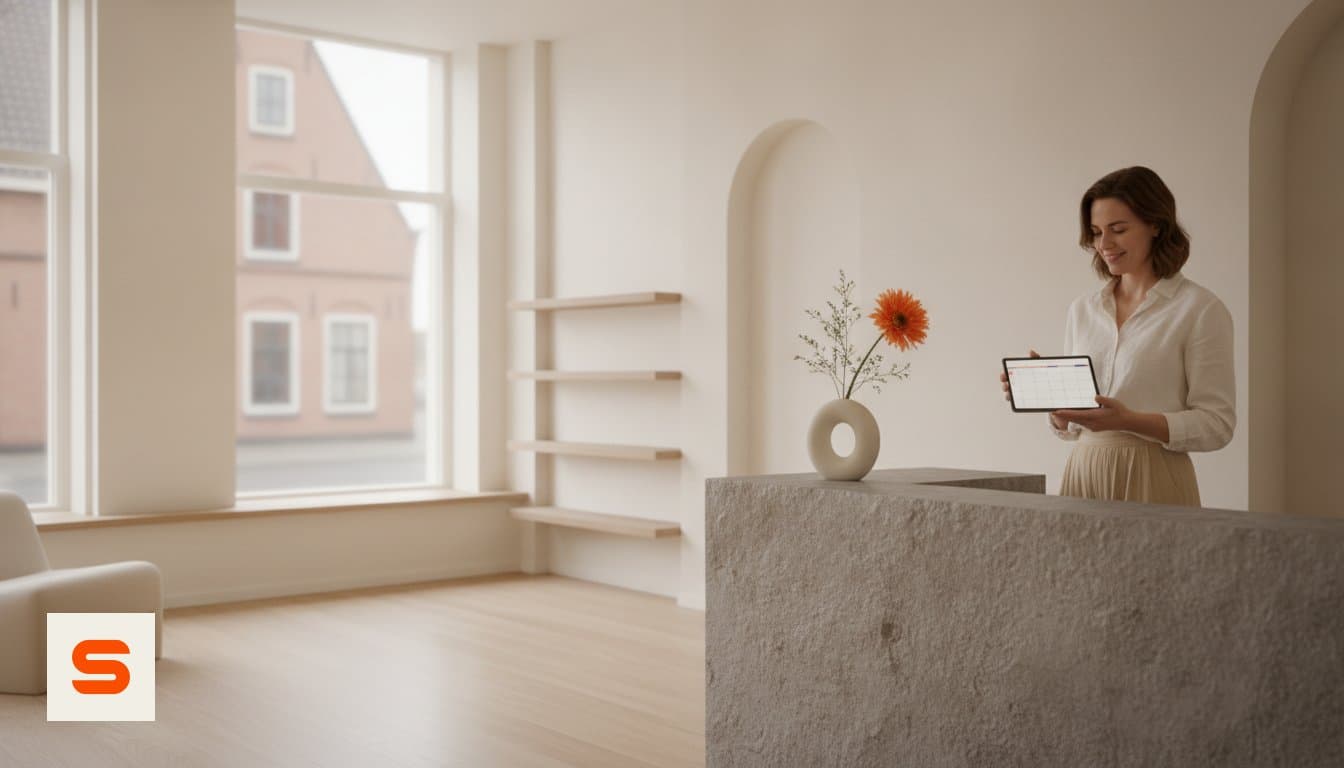
Salonnare is salon management software: your calendar, online bookings, till, client records and stock all live in one place. It is built for hair salons, beauty salons, nail studios, barbershops and pedicurists, and it replaces the mix of a paper diary, WhatsApp messages and separate apps that many salons still run on.
You work in the browser, on the computer behind the desk or on your phone. You can also install Salonnare as an app on your phone or tablet, so it opens like any other app. The software is available in five languages: Dutch, English, German, French and Spanish.
The idea behind it is simple: whatever you currently remember, retype or chase up, the system does for you. A client books, automatically receives a confirmation and a reminder, and after the treatment you take payment in the same place where the appointment is already waiting. If you want to put Salonnare side by side with other packages first, use our guide to comparing salon software.
Who is Salonnare for?
Salonnare grows with the size of your business. If you work on your own, the free plan is often enough: one staff member and up to 50 bookings a month, with no trial period that runs out. You can read more about that situation in our article on salon software for freelancers.
If you have a small team, Starter fits, with room for up to three staff members and unlimited appointments. If your team is larger, or you want email campaigns and your own branding in the software, Pro fits, with unlimited staff members.
As soon as more people work in the system, it matters who can see what. Salonnare uses permissions per staff member (RBAC). You decide whether someone can access the till, the revenue figures or the client records. An intern does not need to see the daily takings, and clients' health data is only visible to staff members who have been explicitly given that right.
Online booking and reminders: your calendar works even when you are closed
You win back most time on scheduling. With Salonnare's online booking page, clients choose a treatment and a time themselves, including evenings and weekends. You add booking to your own website and put the booking link in your Google Business Profile, so clients who find you on Google can book straight away. How to set that up on your site is covered in our guide to a booking widget for your website.
Your calendar shows at a glance which treatments are planned and who is busy. Moving an appointment takes a few clicks. You can find more about that side of the system on the bookings management page.
What helps most against no-shows is that clients do not forget their appointment. Salonnare therefore sends an automatic email reminder, in every plan, including the free plan. See how it works on the automatic reminders page.
Till and payments, and what they cost
After the treatment you take payment in the same place. The till is built for the Dutch market and splits VAT per receipt line, so a treatment and a retail product each appear on the receipt at the correct rate. You can record cash and card payments in every plan. Read more on the point of sale page.
From Starter, clients can also pay online, via iDEAL with Mollie or via Stripe. The money goes to your own account, not first to an intermediary.
Do keep a close eye on the costs. There is no marketplace commission on new clients who book with you through Salonnare; that is €0. Every online or card payment does carry a transaction fee of 0.5%, with a minimum of €0.30 per payment. On top of that, your payment provider charges its own rates. Take that into account when you compare Salonnare with other packages.
In Pro you can also ask for a deposit when clients book. A client who has already paid something is less likely to let an appointment slip, and an empty slot then costs you less revenue. How to set that up sensibly is explained in our guide to collecting deposits in your salon.
Stock and bookkeeping without retyping
Stock is a quiet cost. With the inventory management in Starter and Pro you keep track of what is on the shelf, and you automatically get an alert when a product is running low. That way you reorder in time and do not run out in the middle of a treatment. See also the inventory management page.
For your bookkeeping you can create an export of your financial data from Starter onwards, compatible with the Dutch accounting tools Moneybird and e-Boekhouden. It is an export, not a live connection: you decide when to hand the data over to your accountant or accounting software.
Client records and privacy: the GDPR vault for health data
A good client record keeps clients coming back: preferences and previous treatments are stored with the client, not in someone's head or a notebook behind the desk.
For beauty salons and pedicurists there is more to it. Allergies, medication and skin conditions are health data, and they fall under Article 9 of the GDPR: special categories of personal data with stricter rules. Salonnare therefore does not store those notes with the ordinary notes, but in a separately encrypted vault. Only staff members with the right to view health data can open it, the client gives separate consent, and every time the data is viewed, it is logged. You can find more in our article on health data and the GDPR in your salon.
The data is stored on servers within the EU. You can log in with a password, or with your Google, Microsoft, Apple or Facebook account.
What does Salonnare cost? The plans at a glance
Salonnare works with a fixed monthly price per plan. The current details are always on the pricing page; this is how the plans are set up at the moment.
Free - €0 a month. One staff member and up to 50 appointments a month, with an online booking page, a till for cash and card, client management and email reminders.
Starter - €29 a month. Up to three staff members and unlimited appointments. On top of that: online payments, inventory management, accounting export, advanced reporting, gift cards and loyalty, packages and recurring appointments.
Pro - €59 a month. Unlimited staff members and everything in Starter, plus email campaigns, deposits, white-label branding and priority support.
On top of the subscription comes the transaction fee of 0.5% (minimum €0.30) on every online or card payment. To see how that compares with other pricing models, read our overview of salon software costs.
How to get started with Salonnare
Moving everything over in one go is the fastest way to give up halfway. A fixed order works better. First set up your treatments with the right duration and price, because the calendar, the booking page and the till all rely on them. Then set your opening hours and staff schedule.
Next, add the booking link to your website and your Google Business Profile, and let regular clients keep calling during the first week. Once booking runs smoothly, start using the till, and only after that add stock, accounting export and, if you want, deposits.
The free plan has no trial period that runs out, so you can do this at your own pace. Start free with Salonnare and set up your calendar first; the rest follows when you are ready.
Run your salon from one place
Start with the free plan: €0 a month for one staff member and 50 bookings, with no trial period that runs out. When your salon grows, move to Starter (€29) or Pro (€59).
Start free with SalonnareFrequently asked questions
How much does Salonnare cost per month?
Salonnare has three plans. Free costs €0 a month for one staff member and up to 50 bookings a month. Starter costs €29 a month for up to three staff members, and Pro €59 a month for unlimited staff members. There is no marketplace commission on new clients who book with you through Salonnare; every online or card payment does carry a transaction fee of 0.5%, with a minimum of €0.30.
How does online booking work with Salonnare?
You add Salonnare's booking page to your own website and your Google Business Profile. Clients then schedule appointments themselves, including outside your opening hours, and automatically receive an email reminder. From Starter they can pay online in advance via iDEAL with Mollie or via Stripe. The money goes to your own account, with a transaction fee of 0.5% (minimum €0.30) per payment.
Is Salonnare suitable for freelancers in the beauty industry?
Yes. The free plan is designed for one staff member and up to 50 bookings a month, with no trial period that runs out. You get an online booking page, a till, client records and email reminders. If your salon grows, you move to Starter or Pro without re-entering your data.
How secure is client data in Salonnare?
The data is stored on servers within the EU and Salonnare is designed around the GDPR. Health data such as allergies and medication is kept in a separately encrypted vault, visible only to staff members with that right, and every time it is viewed, it is logged. With permissions per staff member you decide who can access the till or the client records. You can also log in with Google, Microsoft, Apple or Facebook.