



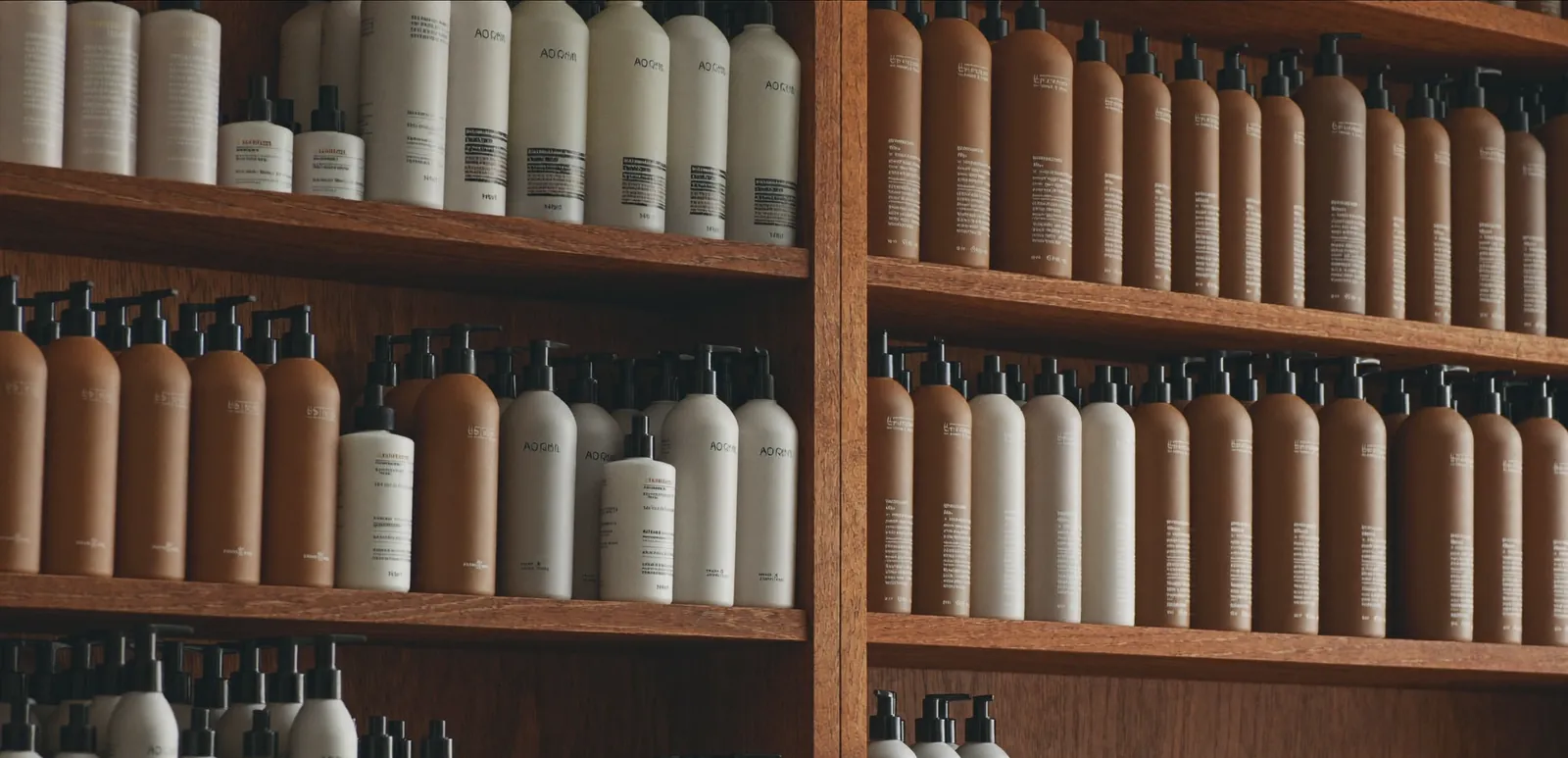
04 / INVENTORY
Inventory management for your salon
Backbar and retail tracked separately, automatic low-stock alerts, one-click purchase orders and internal use tracking.
01 / BACKBAR & RETAIL
Backbar and retail counted separately
A tube of colour is not a sale, a shampoo bottle on the shelf is. Salonnare tracks both in the same product list and counts them separately — so your margin per channel is clean and internal use never inflates retail numbers.
- One product, two stocks: backbar and retail
- Filter the list by backbar-only, retail-only or both
- Internal use draws from backbar, not retail
- Per service, see which product was used
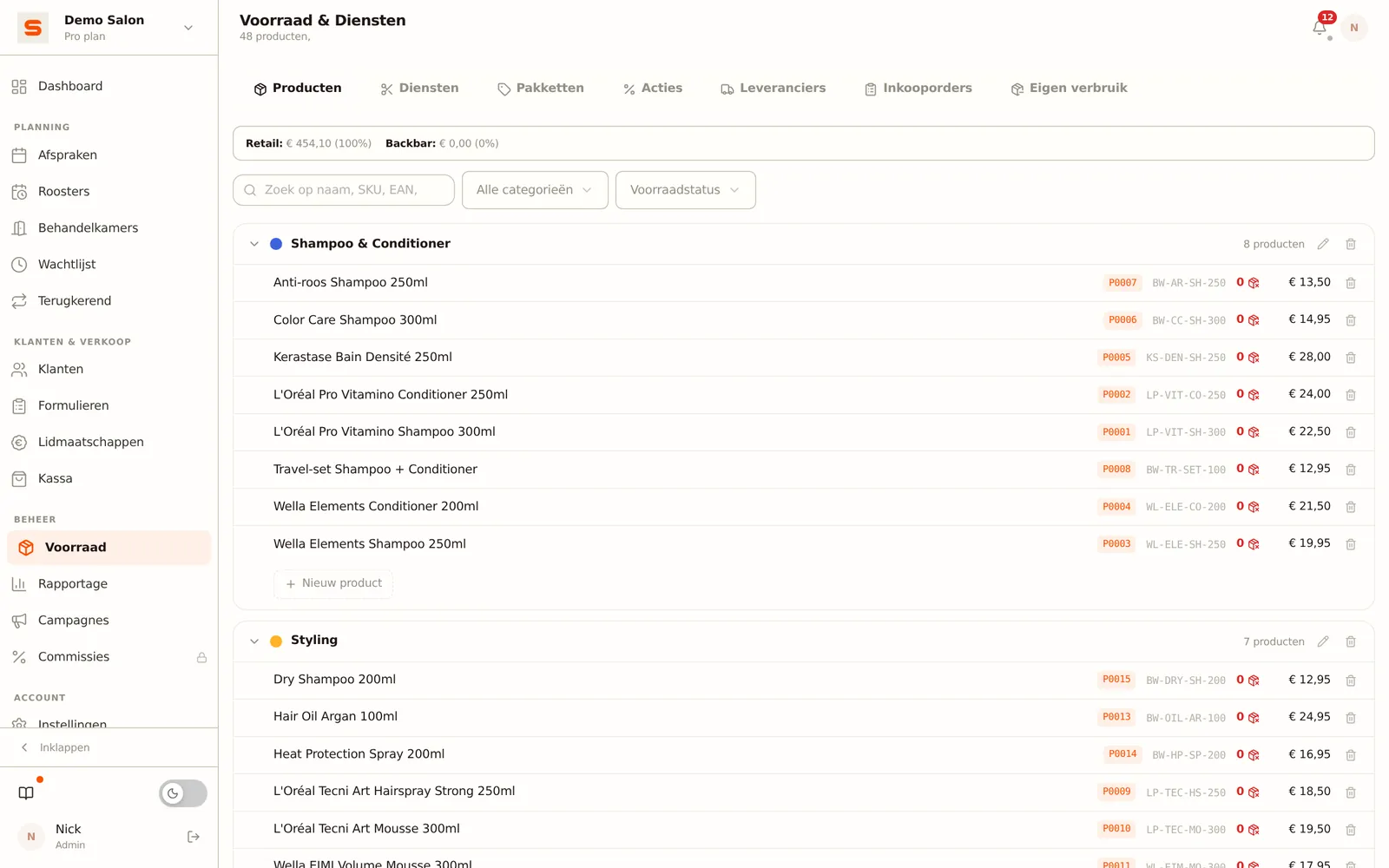
02 / LOW-STOCK ALERT
Stock running low? Salonnare warns first
Set a minimum per product. Drop below it and you see it at the top of the inventory screen — and one click generates a purchase order per supplier with only the items you actually need.
- Per-product minimum stock level
- Low-stock badge inside the product list
- One-click purchase order per supplier
- Receiving an order auto-updates stock
03 / SKU & SEARCH
Find any product in two keystrokes
SKUs are auto-generated or entered manually. The top search field hits name, brand, EAN and SKU at the same time. At the till you simply scan and the row appears.
- Auto-SKU from brand + name
- Search by name and SKU
- Barcode scanner works directly in checkout
- Stock moves on every sale or internal use
BackbarCounted separately from retail
Auto-alertOn every low-stock event
1-clickPurchase order per supplier
Per serviceInternal use logged