



Hair salon software that actually works in practice
Running a hair salon means juggling appointments, inventory, clients and marketing all at once. Salonnare is purpose-built for hair salons - from independent stylists to busy salons - with every feature you need in one platform.
No setup fees - No credit card needed - Free tier - 9 languages
Registration open: register for free and get Pro
Anyone can register right away. Your salon gets Pro free until 31 March 2027, no payment details needed. Nothing switches to paid automatically.
Register for freeSave time
- ✓24/7 online booking without the phone
- ✓Automatic email confirmations and rebook reminders
- ✓Close the register with one click at the end of the day
More revenue and retention
- ✓Rebook reminders and birthday emails go out automatically
- ✓Backbar and retail inventory tracked separately
- ✓No-show fees and deposits reduce empty chairs
Built for compliance
- ✓POS with iDEAL and automatic VAT split (9% / 21%)
- ✓CSV export for Moneybird, e-Boekhouden and Exact
- ✓GDPR-proof client records on EU servers
Online booking via your own page
Clients book 24/7 through your own booking widget or the Salonnare marketplace. No account needed - just name, phone and service. One copy-paste snippet drops into WordPress, Wix, Squarespace or your Linktree. Confirmation and email reminder are automatic.

POS with card, iDEAL and automatic VAT
Check out with card, cash or a payment link with iDEAL. Cuts fall under 9% VAT, retail products under 21% - Salonnare splits this automatically on a single receipt. Sequential receipt number, daily revenue report and tip tracking per staff member. Receipts are emailed to the client.

Client records with colour formulas and photos
Every client has a full profile: history, photos of previous work, colour formulas and notes, with allergies in a separate encrypted vault. Your stylist sees on the tablet exactly which products and technique were used last time. GDPR-compliant on EU servers; clients reschedule or cancel their own appointments under My appointments. You record the colour formula with the appointment, with processing time, mixing ratio and photos of the result in an encrypted vault.

Fewer no-shows with deposits
Set a deposit per service (fixed amount or percentage), with Pro. The client pays via iDEAL or card when booking online, straight into your own account. If the client cancels in time themselves, the amount is refunded automatically via Mollie or Stripe; on a no-show or late cancellation it stays with you. A required deposit works as a clear commitment threshold and can noticeably reduce repeat no-shows.

Built for the Dutch and European market
Salonnare is made for hair salons: iDEAL payments, 9% VAT on services and 21% on retail, and GDPR-compliant client records on EU servers. A flat monthly fee with no marketplace commission on your bookings - just a platform fee of 0.5% (min. €0.30) per online payment, from €0 per month on the Free plan. Check our pricing or learn more about us.
Everything your hair salon needs
Try Salonnare for free
Free tier: 1 staff member, 50 bookings per month. No credit card required.
Start for freeMore about hair salon software
Colour planning: cut a fringe while the colour processes
Give a colour service a processing time and your calendar knows what you have known for years: while the colour processes, your hands are free. Per service you set how long you apply and how long the colour processes; Salonnare marks the free part in the calendar. Plan a fringe trim, brows or the application for a second colour client in it. If you want, clients can book that free part online themselves, and you decide how many minutes earlier you are back with your colour client. You get more out of the same hours, without your colour client sitting any shorter.
You record the colour formula with the appointment: shades in grams, mixing ratio, processing time and photos of the result, stored encrypted. At the next appointment with the same service, the calendar suggests last time's processing time.
Online booking system for hair salons
Clients book 24/7 through your own embeddable widget or via the Salonnare marketplace. No account required - just name, phone and service. Automatic email confirmations, reminders and rebook reminders, plus deposits and no-show fees as protection. Integrates with your existing website (WordPress, Wix, Squarespace) with a single copy-paste snippet.
POS with card payments and VAT reports
Check out with card, cash or a payment link with iDEAL. Automatic VAT handling, daily revenue reports, tip tracking per staff member, and a sequential receipt number per transaction. Receipts are emailed to the client.
Client management with colour formulas and photos
Every client has a full profile with history, photos of previous work, colour formulas and notes, with allergies in a separate encrypted vault. See at a glance when someone last visited, which products were used, and which services they prefer. GDPR-compliant on EU servers; clients reschedule or cancel their own appointments under My appointments.
Separate backbar and retail inventory
Salonnare distinguishes between backbar products (what your stylists use during treatments) and retail (what you sell to clients). Automatic alerts when stock is low, purchase orders with one click to your supplier, and reporting per product group so you know your margins.
Marketing automation that brings clients back
Automatic rebook reminders, a birthday email and a review request by email the morning after every appointment. Clients who haven’t visited in a long time show up in the Dormant clients overview, and with Pro you send them a win-back campaign. Turn it on once and Salonnare does the rest in the background. See all marketing features to learn what’s possible.
Daily workflow: from opening to closing time
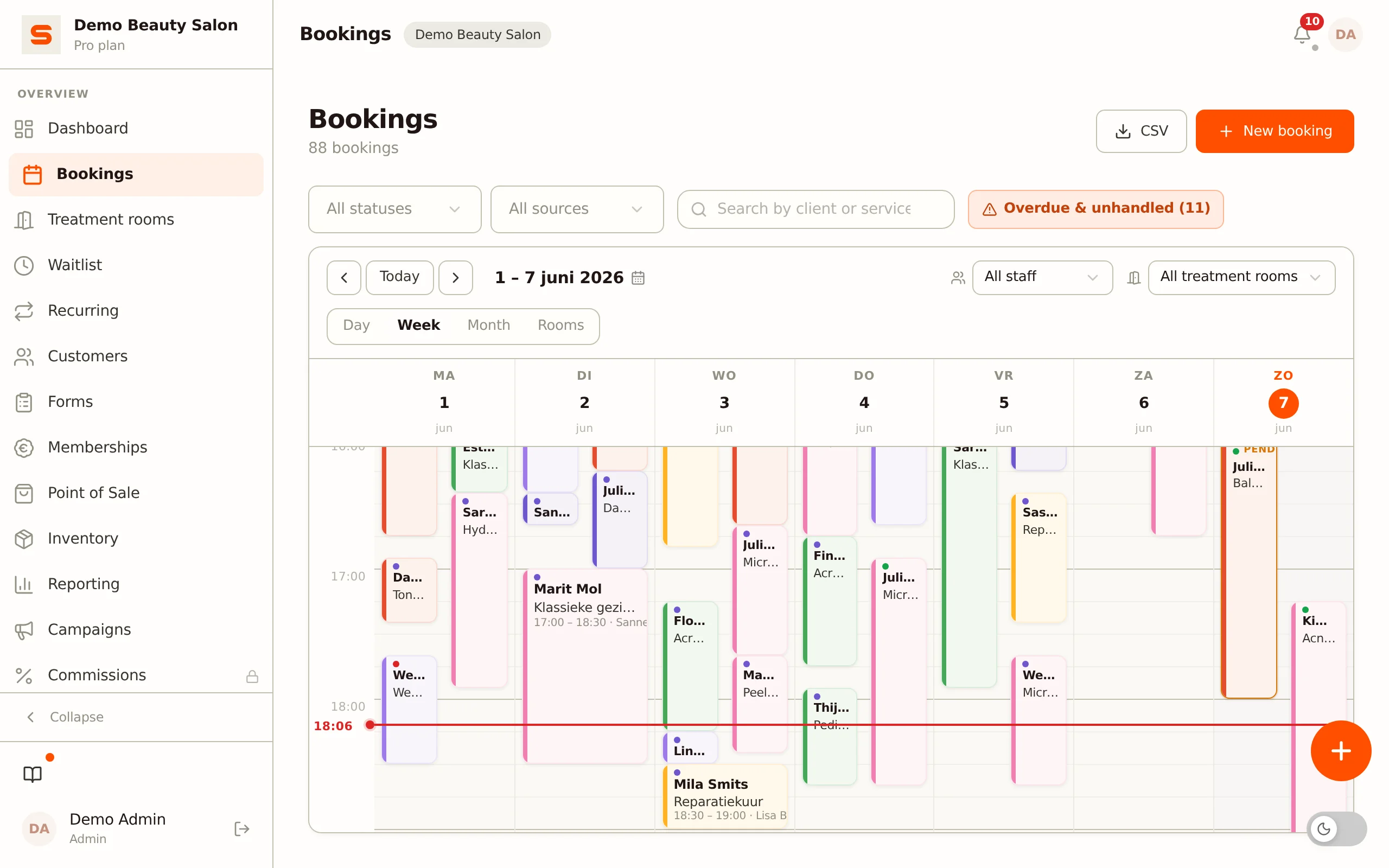
A typical day in a hair salon with Salonnare looks like this: when you arrive, you open the dashboard and see all of today’s appointments at a glance, complete with client notes and colour formulas.
Between appointments your stylist checks the client profile on a tablet - allergies, previous treatments, favourite products. At the end of the day you close the register with one click: daily revenue, tip distribution per staff member, VAT reporting.
Everything automatic, no spreadsheets or paperwork. On busy Saturdays the waitlist feature helps with overbooking: clients automatically receive a notification when a slot opens up.
Practical tips for salon owners
Set rebook reminders to 6 weeks for cuts and 4 weeks for colour treatments - that’s the moment clients start thinking about their next appointment.
Use the no-show fee feature to discourage repeat offenders: a mandatory €10 deposit when booking online works as a clear commitment threshold against repeat no-shows. Let Salonnare automatically ask for a Google review after every appointment: salons with an active review profile (volume plus recent activity and a strong score) generally rank higher in local search results.
And activate the birthday email with a 10–15% discount - it’s the highest-converting campaign in the beauty industry.
Why Salonnare instead of a paper diary or generic software?
A paper diary or Google Calendar offers no online booking, no automatic reminders and no revenue reports. Generic scheduling tools like Calendly lack salon-specific features: colour formulas, backbar inventory and an integrated POS.
Salon-specific competitors like Treatwell charge commission per booking - at 100 bookings per month that quickly adds up to €250–350 extra.
Salonnare combines the best of both worlds: salon-specific and a flat monthly fee with no marketplace commission, just a platform fee of 0.5% (min. €0.30) per online payment, starting at €0 per month on the Free plan. Check our pricing or learn more about us.
Frequently asked questions about hair salon software
Can I help another client while the colour is processing?
Yes. Give the colour service a processing time (application, processing, rinse). The calendar shows the free part; plan a short treatment there or start on a second colour client. If you switch it on, clients can also book that free part online. The colour client sits in the chair the whole time and simply sees the total duration.
Is Salonnare suitable for a freelance hairdresser?
Yes. The Free plan with 1 staff member and 50 appointments per month is enough for most independent stylists. You get online booking, a POS, client management and email reminders - free forever, no credit card needed.
Does Salonnare work with my existing receipt printer?
Salonnare has no receipt printer integration. The receipt is emailed to the client, with a sequential receipt number and VAT per rate, and it is also kept in the receipt history of your POS.
Can I set up stylists with different skill levels?
Skills per staff member cannot be recorded: in Salonnare every active staff member can perform every treatment. You do set an individual schedule per staff member (only times within the schedule can be booked online), and you decide per page what someone may view or edit. Online, the client picks a stylist or "no preference".
How does the Google reviews integration work?
The morning after every appointment, at 9:00, the client automatically receives an email with a review request. If you have connected your Google Business Profile, the link goes straight to your Google review form; otherwise the client fills in your own review form. You read your Google reviews in Salonnare and reply to them right there: the reply is posted on Google. We deliberately give no points or discounts for a review, because Google forbids that.
Does Salonnare support multiple locations?
Multiple locations under one account is not possible yet; that feature is marked "coming soon". If you already have a second salon, give it its own account for now. Within one salon you work with as many staff members as your plan allows: 1 on Free, 3 on Starter and unlimited on Pro.