



Salon CRM: from a loose client list to loyal regulars
A salon runs on returning clients. The new client you win today through Google or Instagram only becomes truly profitable once they rebook six weeks from now - and keep coming the year after. Yet many salons keep their client data scattered across an appointment book, a phone full of contacts and the owner's memory. The moment a team member joins or leaves, that knowledge disappears. Client management - a [salon CRM](/features/client-crm) - solves this by keeping all client data, history and preferences in one place and turning that knowledge into targeted action. This article shows how to set it up, and how software turns loose record-keeping into a routine that brings clients back.
Why good client management drives more returning clients
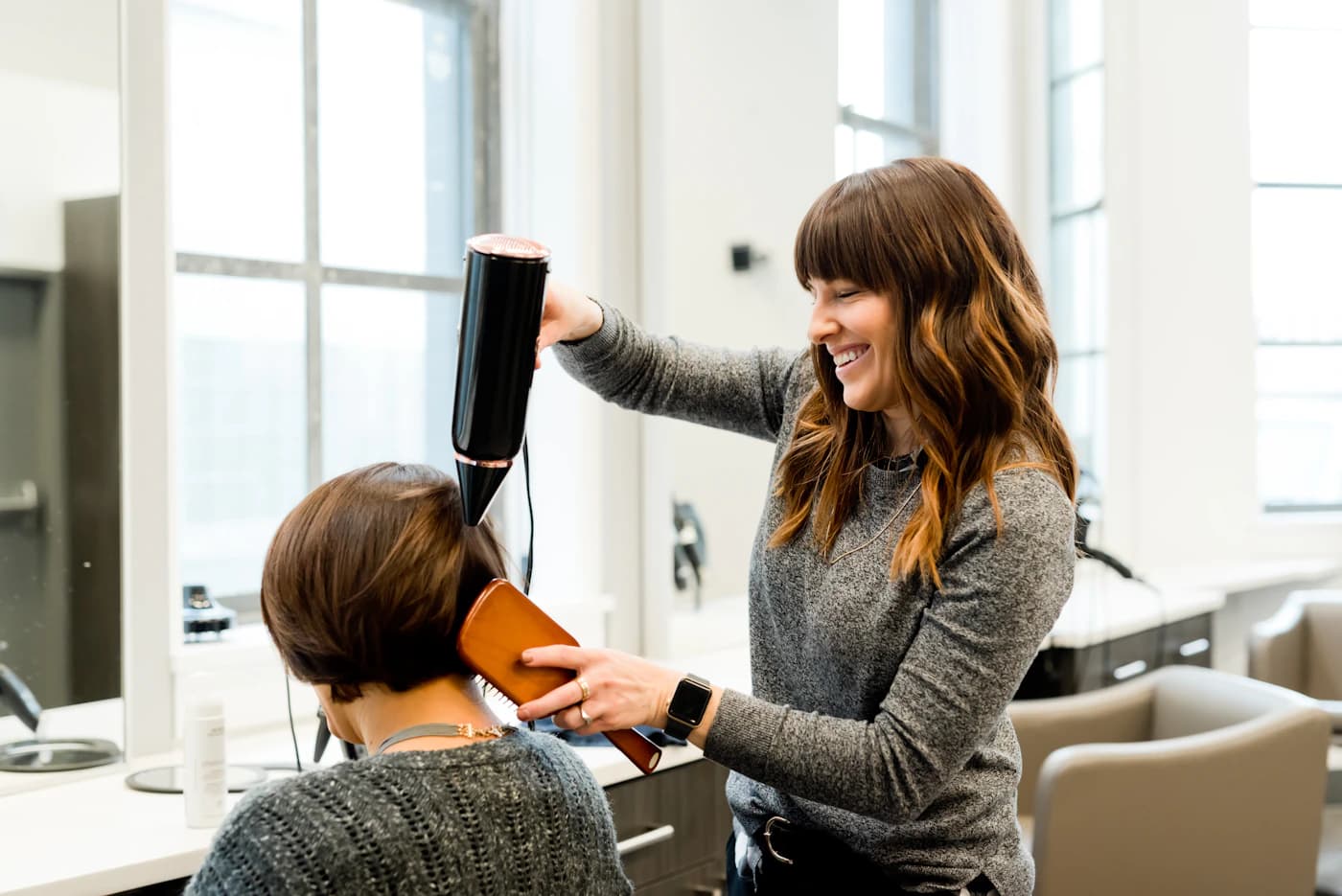
Good client management drives more returning clients because it lets you reach the right client at the right moment with the right message - without having to keep anything in your head. Winning a new client usually costs more effort and money than bringing an existing one back, and the existing client is already yours. They are in your system, with their history and preferences.
The difference lies in what you do with that data. A client list that holds only names and phone numbers is an address book. A client record that knows when someone last visited, what was done and when they normally return is a sales tool.
It shows you at a glance who has been away too long, who is nearly due for a follow-up appointment and which clients bring in the most revenue.
For a nail salon or hair salon with a steady client base, that difference is worth its weight in gold: most revenue comes from a relatively small group of loyal clients. As long as you cannot see that group separately, you treat everyone the same and leave money on the table with your very best clients.
One central client record: history, preferences and notes
The foundation of client management is a central client record: one place where everything about a client comes together. Contact details, the full appointment history, notes, no-shows and cancellations, and the products someone has bought. As long as that information is spread across a calendar, a text message and a colleague's memory, you cannot act on it.
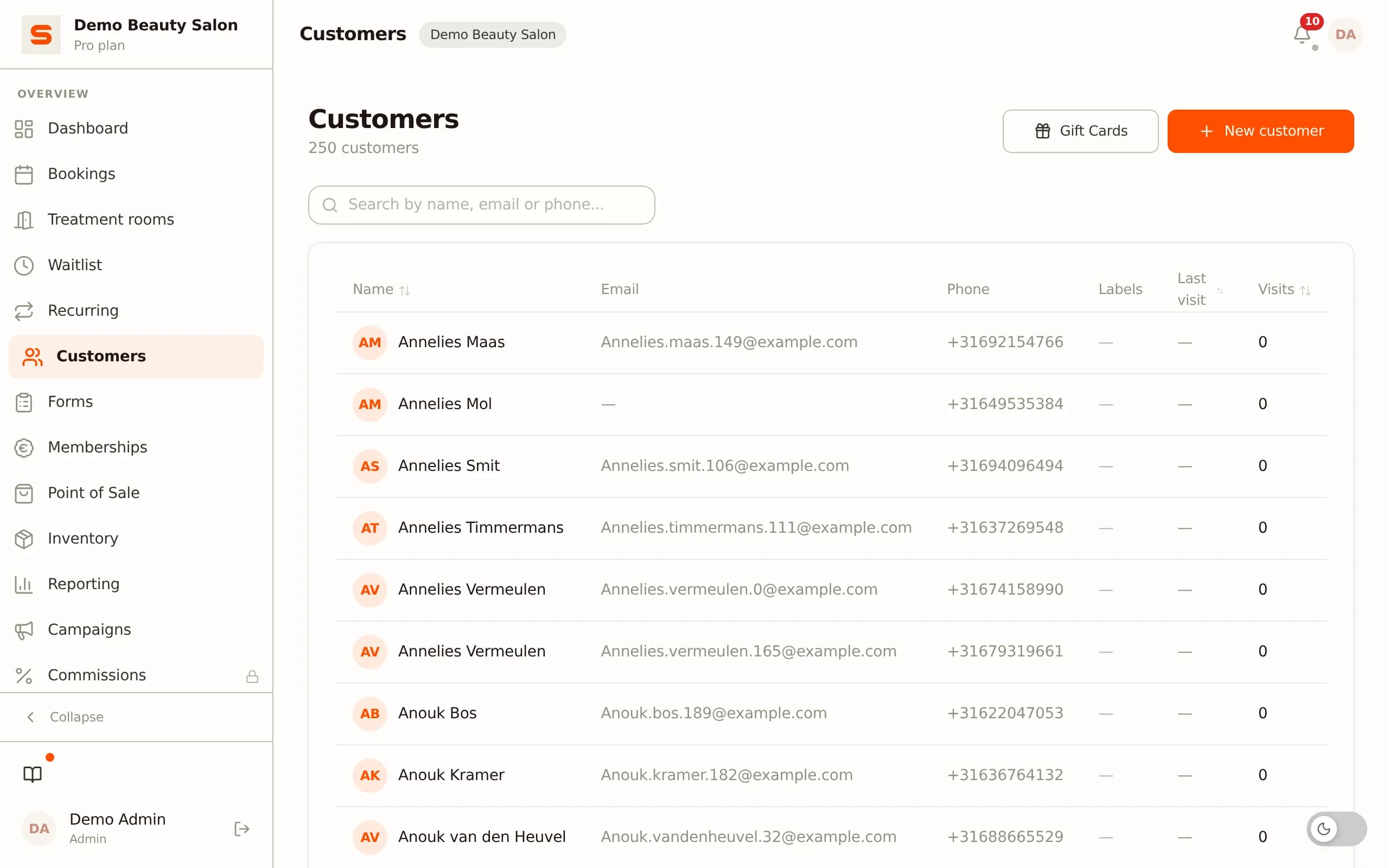
Treatment history. For every client you can see when they visited and what was done. For a hairdresser that is last time's colour formula; for a nail technician the chosen colour and shape; for a beautician the product used. Those details make the difference between a client who feels like a number and one who feels known.
Preferences and notes. Record that a client prefers a particular staff member, cannot handle strong fragrances or always likes to come in around opening time. New staff can then take over a regular seamlessly, even when the usual stylist is away.
Alert notes. Some information you want to see immediately when opening an appointment - an outstanding payment, an earlier complaint, an allergy. An alert note stands out so no one misses it.
Because this record is tied to your calendar and point of sale, it updates automatically: every completed appointment and every sale is added on its own.
Segmentation: the right client with the right message
Once your client data lives in one place, you can split your client base into groups - segment it - and approach each group in a targeted way. That is more efficient and pays off better than sending everyone the same email.
Common segments. New clients you want to give a warm welcome. Loyal clients who deserve a thank-you or an exclusive offer. Clients who have not been in for a long time and need a nudge.
And clients who book a specific treatment and might be interested in a complementary product.
Why it works. A targeted message matches where the client is. Sending a new client a win-back email misses the mark; offering a loyal client an introductory discount feels odd. By segmenting you avoid irritating clients with irrelevant messages - which reduces the risk that people unsubscribe.
Filtering by behaviour. You do not have to maintain segments by hand. Based on appointment history, amounts spent and last visit, you filter the group you want to reach in a few clicks. Want everyone who has not visited in the past three months but came regularly the year before?
That is a filter, not an afternoon of tallying in a spreadsheet.
Automatic rebook nudges and appointment reminders
The most powerful part of client management is that it takes action by itself. Instead of you remembering who to call, the system sends a message at the right moment.
Rebook nudges. A client who normally comes every six weeks but has now let eight weeks pass automatically receives a friendly message to book again. That keeps your calendar filled with existing clients instead of forcing you to constantly find new ones. These win-back messages catch exactly the clients who would otherwise have quietly drifted away.
Appointment reminders. A day before the appointment the client automatically receives a reminder. That sharply lowers the number of no-shows, without you having to message anyone. Every prevented no-show is a filled chair that would otherwise have sat empty - see also our guide on preventing no-shows.
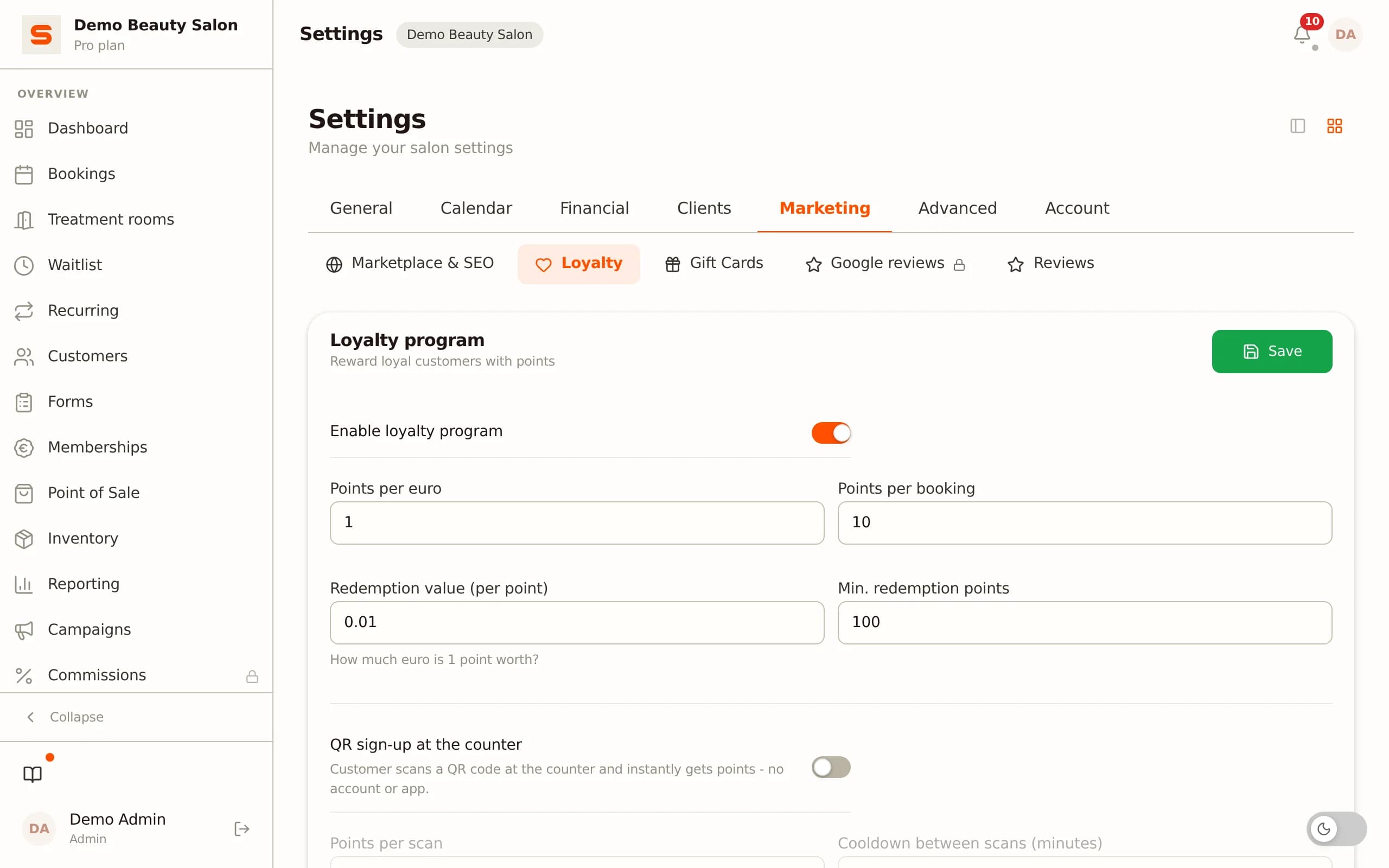
Loyalty as a complement. Rebook nudges bring clients back; a loyalty programme gives them a reason to stay. With a digital stamp card you reward repeat visits automatically - the client collects with every appointment, and you keep track of nothing. The two reinforce each other: one brings them back, the other keeps them.
Birthday and win-back emails: waking up dormant clients
Two kinds of automated messages deserve separate attention, because they take little effort and generate a lot of goodwill.
Birthday emails. A short congratulation on your client's birthday, perhaps with a small gift or a temporary discount, is one of the most appreciated touchpoints there is. The system looks at the date of birth in the client record and sends the email on the right day by itself. You never have to watch the calendar.
Reactivating dormant clients. Every salon has clients who once came faithfully and slipped away unnoticed. Without client management they disappear from view. With a good system you filter exactly the group that has not visited for, say, six months, and send them a targeted we-miss-you email with a reason to come back.
Some of them respond - and those are clients you would otherwise have lost for good.
Measuring what works. Because the messages come from your system, you can see which campaign led to bookings. Over time you build a picture of which approach resonates with your clients, and you steer on figures instead of gut feeling.
Handling client data GDPR-proof and the health-notes vault
Managing client data also means handling that data responsibly. In the EU you fall under the GDPR, and a salon processes more personal data than you might think at first glance.
Basic principles. Keep only what you need, use data only for the purpose the client gave it for, and make sure clients can view or delete their data. A system with a built-in client-data export and delete option turns that into a matter of a few clicks rather than manual work.
Consent for marketing. You may only send birthday and win-back emails to clients who have given consent, and every email must contain an unsubscribe option. Good software handles that automatically, so you stay within the rules.
Storing health notes separately. Some data is especially sensitive: allergies, skin conditions, medication, pregnancy. That is health data, and it falls under a stricter regime. Salonnare keeps this in a separate, encrypted health-notes vault, apart from ordinary notes, with per-staff access (RBAC).
That keeps sensitive information available to those who need it, without it being exposed. There is more background in our guide on the GDPR for beauty salons.
What to look for when choosing client management software
Not every package does client management equally well. When choosing, watch for the following points.
All-in-one, not separate. The client record only has value when it is tied to your calendar and point of sale, so it updates itself. A standalone CRM alongside your booking system means double entry and therefore a backlog. Choose a package where client management, calendar, point of sale and marketing come together - look at the features to see how it all connects.
Import of your existing data. If you are coming from a notebook, spreadsheet or another package, you want to bring your client base along. Check whether a CSV import is available, so you do not have to retype every client by hand.
Per-staff permissions. In a salon with several team members you do not want everyone to see everything. With per-staff permissions (RBAC) you decide who can view client data and sensitive notes.
EU data and clear pricing. Choose a provider that stores your data in the EU and charges a transparent, fixed monthly price instead of a percentage per booking. With Salonnare the Free plan costs nothing (1 team member, 50 bookings a month), Starter is €29 and Pro is €59 a month - you never pay a marketplace commission on your bookings (just a platform fee of 0.5%, min. €0.30, per online payment).
Multiple languages. If you work with an international team or international clients, a system available in several languages helps. Salonnare runs in nine languages.
Conclusion
Client management is not an administrative obligation but the engine behind returning clients.
Once your client data, history and preferences live in one place and are tied to your calendar and point of sale, your client list turns from an address book into a system that brings clients back on its own: rebook nudges catch the ones drifting away, birthday and win-back emails maintain the relationship, and segmentation ensures every message lands.
Do that within the GDPR, with sensitive data in a separate vault, and you build trust instead of risk.
Salonnare bundles client management, calendar, point of sale, loyalty and email marketing into one package, with your data in the EU, per-staff permissions and a fixed monthly price without marketplace commission (plus a platform fee of 0.5%, min. €0.30, per online payment). Want to see how your client base can work for you? Create a free account and set up your first client records this week - the Free plan stays free forever.
Frequently asked questions
What is the difference between a client list and a salon CRM?
A client list holds names and contact details - an address book. A salon CRM links appointment history, preferences, amounts spent and the last visit to that, and turns the knowledge into action: automatic reminders, rebook nudges and targeted campaigns per segment. The difference is that a CRM does not just store what happened, but also helps you decide who to reach and when to bring them back.
Do I need client management if I only have a small salon?
Yes, especially then. In a small salon revenue rests on a limited group of regulars, and every dropout weighs more heavily. Client management helps you keep exactly those clients in view and bring them back in time. Salonnare's Free plan is free for a salon with one team member and 50 bookings a month, so you can start at no cost.
Can I transfer my existing client data?
Yes. Salonnare has a CSV import that reads an existing client base from a spreadsheet or another package in one go, including contact details and basic fields. That means you do not have to retype every client by hand and you work with a populated client base right away.
What about the privacy of sensitive client data?
Ordinary client data falls under the GDPR: you keep only what is needed and clients can have their data viewed or deleted. Especially sensitive health data - allergies, skin conditions, medication - is stored by Salonnare in a separate, encrypted vault with per-staff access, apart from ordinary notes. Marketing emails go only to clients who have consented and always contain an unsubscribe link.
How do I get started with client management in Salonnare?
Create a free account at salonnare.com/en/free, import or enter your clients, and connect your calendar and point of sale so the history builds up on its own from that moment. Then set up your appointment reminders and rebook nudges and decide per staff member who may see which data. Within a week client management keeps itself up to date.