



Setting up free salon software: digitise your salon in five steps
A paper diary works fine right up to the moment your hands are in a client's hair and your phone buzzes for the third time. Messages, voicemails and loose notes cost you more time than the cutting itself. Plenty of self-employed beauty professionals go looking for free salon software, and then get stuck on the same question: where do I start, and how long will moving everything across take? This article is not a shortlist but a plan. You work through five steps - services, client records, online booking, point of sale and reminders - and for each one you get what you need and where people tend to get stuck. By the end you will also know exactly what the switch costs, including the amount that does come off a payment.
What one afternoon of digitising gets you

A large share of hair and beauty businesses is run by sole traders with no staff. That is precisely the group that loses the most time to scheduling, because there is nobody else to pick up the phone. Digitising does not fix that by making you work harder; it fixes it by taking the scheduling out of your hands.
What you need at its core is appointment scheduling software: a system that knows how long each treatment takes and which slots in your week are still open. On top of that sits what a salon specifically needs: client records, a till that applies the right VAT rate, and payments that land in your own bank account.
You notice the difference in the first week. Double bookings disappear, because a slot can only be given away once. Your diary lives on your phone, so you stop returning calls in the evening. And from day one you are building a structured client list you can actually use later, instead of a pile of notes nobody searches through.
Step 1: move your services and working hours across
Do not start with your clients, start with your service menu. Enter three things per treatment: the name, the duration and the price. Duration is the field that matters most, because it decides how big the slots in your diary are and therefore how many clients fit into a day.
Be honest about that duration. If you book a cut as thirty minutes while it actually takes you forty-five, your day runs late from the second client onwards. Include tidying and preparation time in the duration, or set a buffer between appointments. Then fill in your working hours, including breaks and the days you are closed.
Start small: enter your five most-booked treatments and add the rest later. A half-finished system you are using today is worth more than a complete system that will be ready next month. You can see what bookings management looks like in practice on the feature page.
Step 2: move your client records without retyping them
If you are coming from another system, export your clients as a CSV file and import it in one go. If you are working from paper, do not retype your entire card index. Enter only the clients who have visited in the past year and let the rest come in naturally at their next appointment.
Pay attention to what exactly you keep. Under the GDPR you may record what you need for the treatment and your administration, not everything you happen to know. Name, contact details and treatment history are reasonable. A note about a client's private circumstances is not.
One category needs extra care. If you record allergies, medication, skin conditions or a pregnancy, you are processing special category data under Article 9 of the GDPR. A general comments box is not good enough for that: those details belong in a separately encrypted vault with its own access rights, so not every staff member can simply read them. At Salonnare that vault is built into the client records, on the free plan too.
Step 3: switch on online booking on your own website
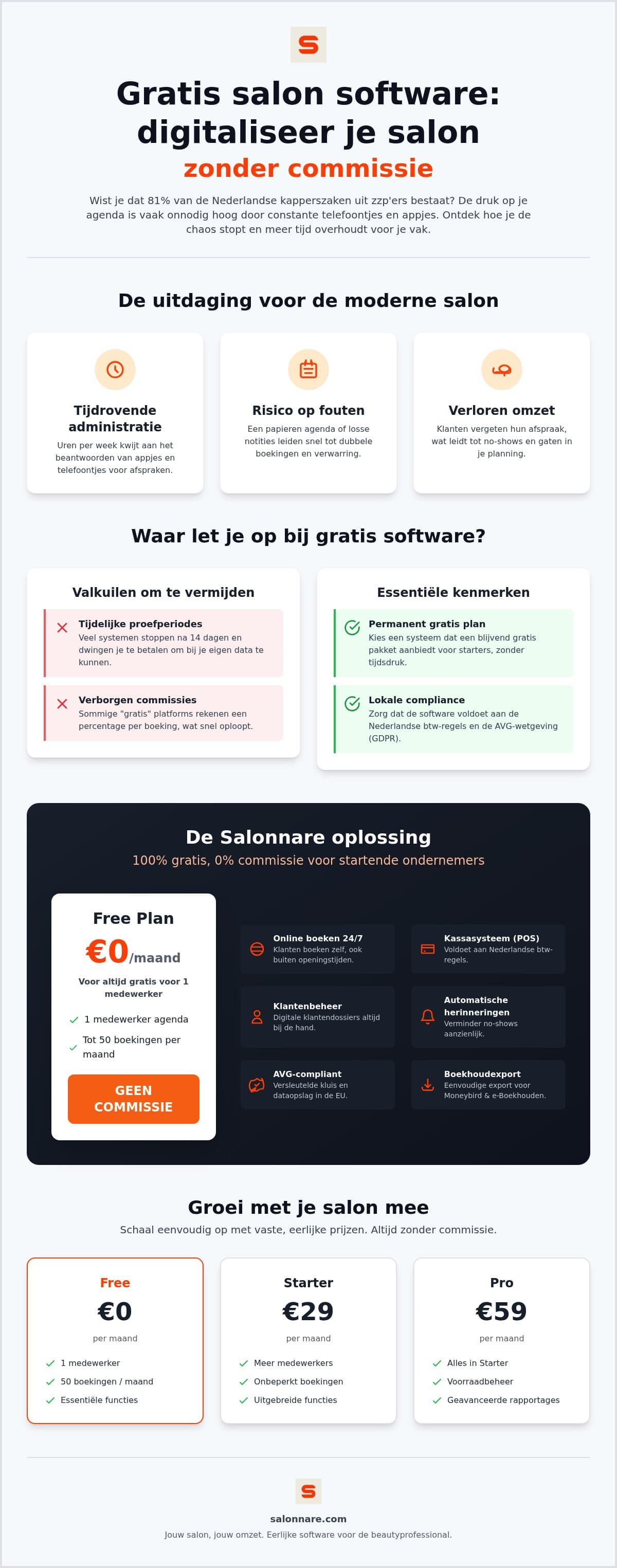
This is where the biggest time saving sits. As long as clients can only book by phone, you are reachable when you have time. With a booking widget on your own site or social media they book from the sofa in the evening, and you see a full day the next morning.
A sizeable share of bookings comes in outside opening hours, exactly when you could not have answered anyway. Do pay attention to where those bookings land. Some providers put you inside their own marketplace, where your client scrolls past competitors first. Booking on your own domain keeps the client relationship with you.
While you are in the booking settings, set two limits straight away: how far ahead clients may book, and how close to the appointment they still can. Without those limits, Saturday at eight in the morning will bring you an appointment for a quarter past eight. If you want to see whether this suits you, you can activate the free plan and put the widget on your site the same day.
Step 4: connect your till and your bookkeeping
An appointment that has happened still needs to be paid for. Do that in the same system, or you end up keeping two sets of records that never quite match. A point-of-sale that is attached to your diary already knows which treatment was given and prepares the receipt in one action.
VAT is the thing to watch here. In many countries hairdressing services and the products you resell fall under different rates - in the Netherlands, for instance, services sit at the reduced 9 percent rate while retail products do not. A till that makes that distinction for you saves an evening of sorting out at the end of the quarter.
Your bookkeeping does not have to be manual after that. Salonnare offers an export function that takes your revenue data into a file for accounting packages such as Moneybird or e-Boekhouden. Note the word export: you push the data across when it suits you, it is not a continuous live integration that synchronises everything automatically.
Step 5: turn on automatic reminders
The final step takes five minutes and pays for itself immediately. A client who does not turn up costs you a whole slot in your diary, and that slot cannot be sold again. A reminder by email, a day in advance, removes a large share of those forgotten appointments.
Send the reminder at a moment when something can still be done about it. Twenty-four hours ahead is usually the best compromise: early enough to cancel so you can still fill the slot, late enough not to be forgotten again. Put the address and the duration in the message and you save yourself further phone calls.
Use the same route for confirmations. A client who sees a confirmation immediately after booking online does not ring back just to be sure. How to set up and adjust those messages is explained on the page about automatic reminders.
What it costs, and what does come off a payment
Salonnare's Free plan costs 0 euro per month and is meant for one staff member with up to 50 bookings per month. It is not a trial that expires after two weeks. If you grow past it, Starter is 29 euro per month and Pro is 59 euro per month, and your diary, client records and settings come with you.
Be precise about the word commission, because a lot gets blurred around it in this market. There is no marketplace commission at Salonnare on new clients who reach you through the platform: that percentage is 0. What there is, is a platform fee of 0.5 percent with a minimum of 30 cents on every online or card payment. On a 60 euro treatment that comes to 30 cents. Cash taken at the till falls outside it.
The payment itself runs through Mollie or Stripe straight into your own bank account, so your revenue is not parked with an intermediary. If you want to line those figures up against other providers, use the framework in our guide on how to compare salon software. Still weighing up different free packages? Our overview of the best free choices for your salon takes it further. And if you would rather just begin, you can put your first treatment online today via the free plan.
Put your diary online today
Enter your five most-booked treatments, put the booking widget on your own site and let clients book themselves in the evening. The Free plan costs 0 euro per month, is meant for one staff member with 50 bookings per month, and does not expire. See below what each plan includes.
See all plans and pricingFrequently asked questions about digitising your salon
Is free salon software at Salonnare really free?
The Free plan costs 0 euro per month and is not a temporary trial. It is meant for one staff member with up to 50 bookings per month, and you do not need to leave a credit card. There is no marketplace commission on clients who book with you through the platform. On online and card payments we do charge a platform fee of 0.5 percent with a minimum of 30 cents per transaction.
How long does switching take?
Allow half a day if you want to do it in one sitting. Entering your five most-booked treatments and your working hours is a matter of minutes; most of the time goes into your client records. If your list comes out of another system, you import it as a CSV file and you are done in a quarter of an hour. Working from paper, enter only the clients from the past year and let the rest come in at their next appointment.
Is my data safe on a free plan?
Security at Salonnare is the same on every plan, paid or not. Your data sits on servers inside the EU and the processing complies with the GDPR. Health details such as allergies, medication or skin conditions are not kept in an ordinary notes field but in a separately encrypted vault, built for Article 9 of the GDPR, with its own access rights per staff member.
Do I pay commission per appointment?
There is no marketplace commission on your bookings: that percentage is 0, including for new clients you find through the platform. There is a platform fee of 0.5 percent with a minimum of 30 cents on every online or card payment. On a 60 euro treatment that works out at 30 cents. If you take cash at the till, the fee does not apply. The payment itself arrives in your own bank account via Mollie or Stripe.