



A booking system for online appointments in your beauty salon
Beauty clients reach you through your website, Instagram, Google or a quick message. A booking system lets them pick a treatment and time themselves while you manage the schedule in one place. Here is how to set it up and what it costs per month, with a calculation you can check yourself.
Keep control of your calendar
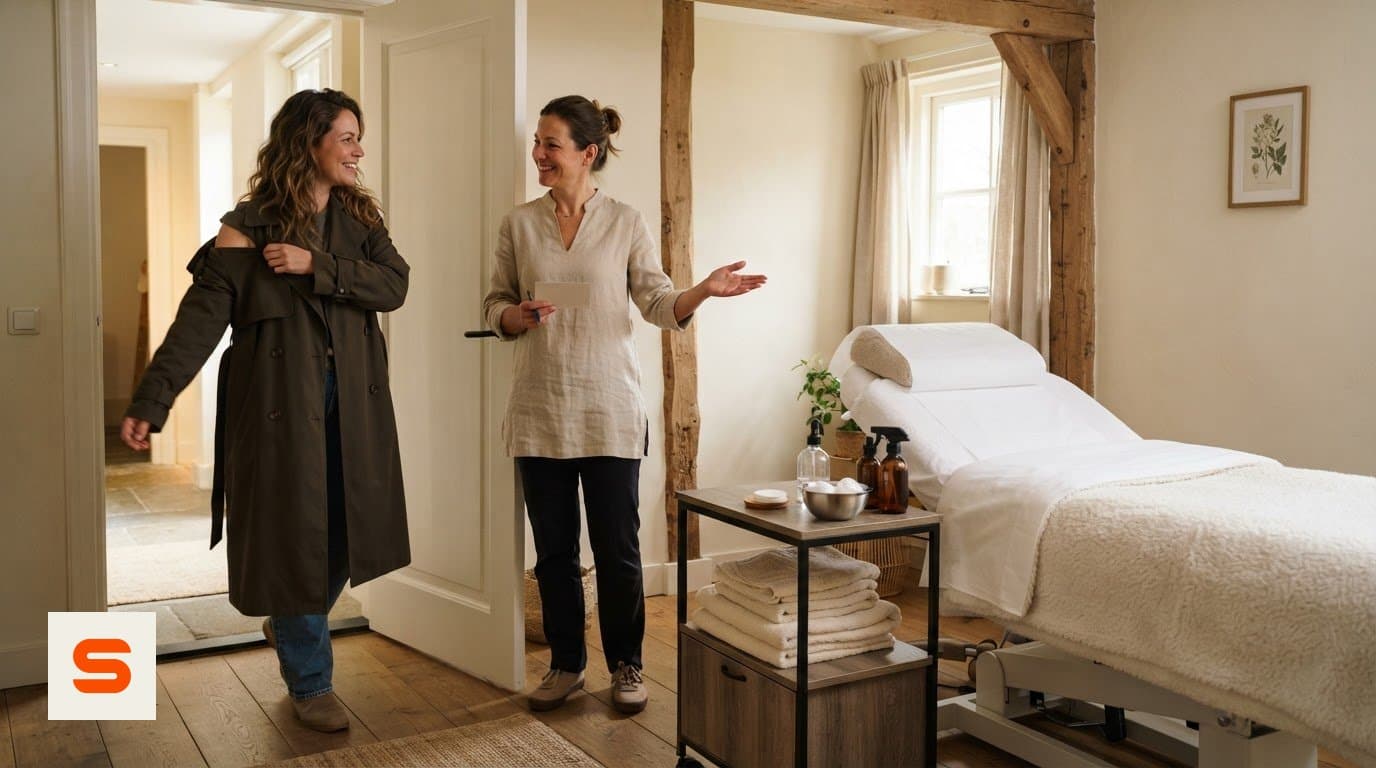
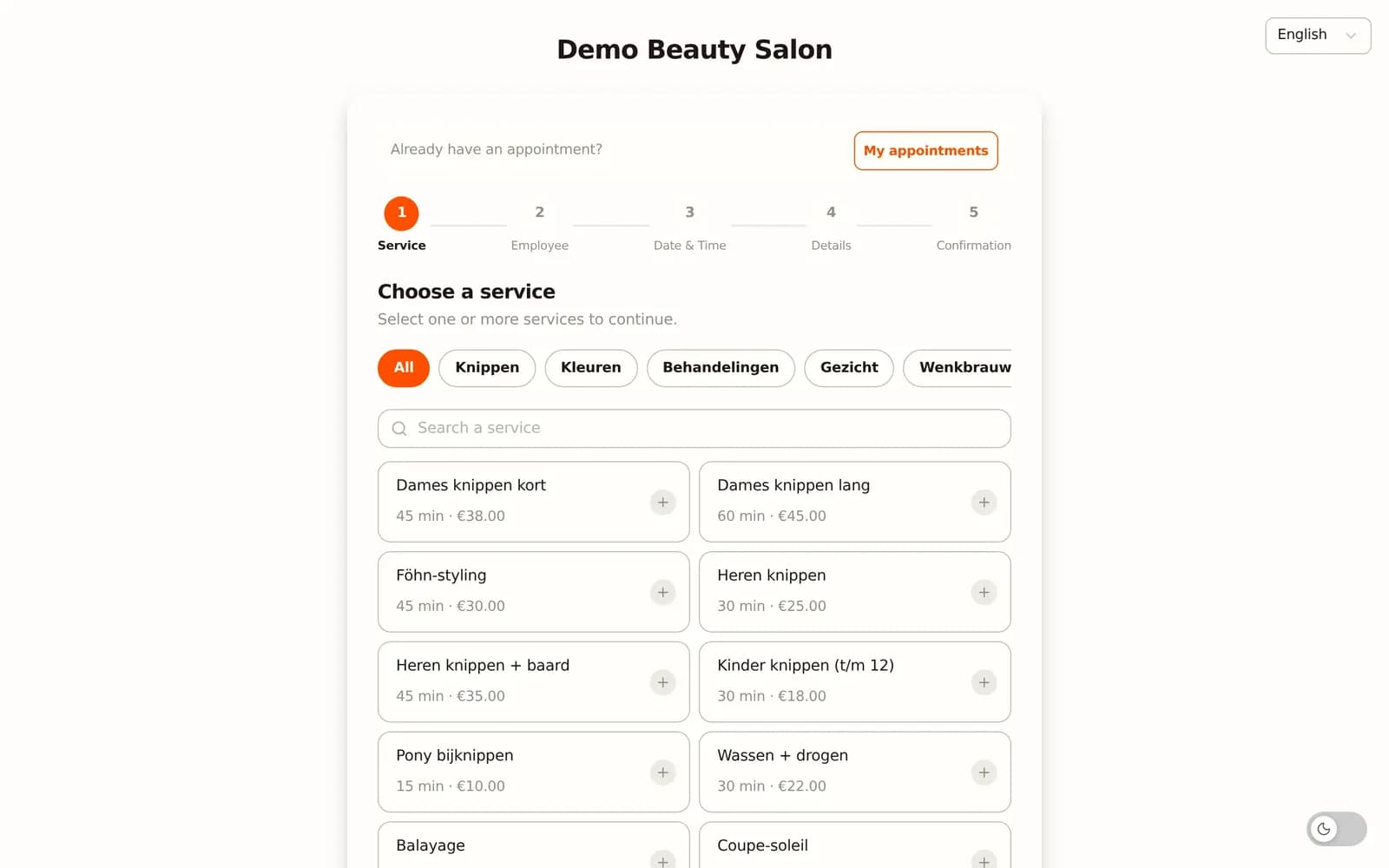
Online booking does not mean losing control. You decide when clients can book, how long each treatment takes and what the cancellation terms are. A 60-minute facial and a quick brow shaping each get their own duration and price.
Set up automatic reminders, for example the day before, with date, time and treatment. To limit no-shows, ask for a deposit via iDEAL, paid to your own account. For the basics, see online booking system for your salon.
One calendar for website, Instagram, Google and WhatsApp
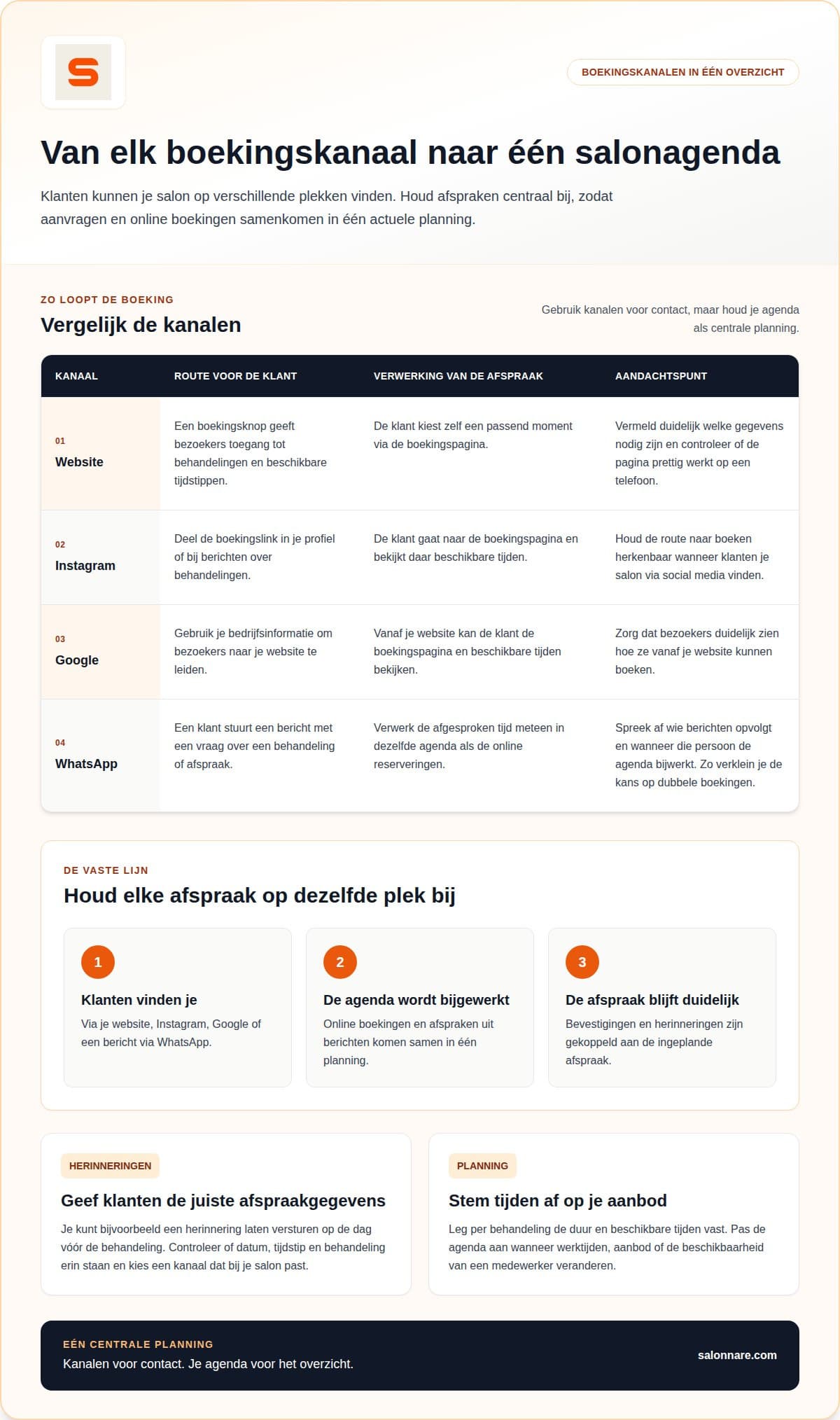
Clients find you in different places, but your calendar stays the single source:
- Website: a booking button or widget next to your treatments page. See place an online booking widget on your salon website. - Instagram: put the booking link in your profile and under treatment posts. - Google: clients can continue to book from your business profile. - WhatsApp: a messaging channel. When someone asks for a slot, send the booking link or enter the appointment in the calendar yourself right away to avoid double bookings.
Agree who answers messages so no request gets stuck.
Treatment rooms, client notes and privacy
Link treatments to staff and to the room they need, so two bookings never use the same treatment room at once. The client profile shows past appointments and lets you keep factual notes such as skin type or a reported allergy. Record only what you need for the treatment.
Health data needs extra care under GDPR. Salonnare has an encrypted GDPR vault for it, and roles and permissions control who sees what. More in health data and GDPR in your salon.
Worked example: what does online booking cost per month?
Salonnare charges a fixed monthly price (Free €0, Starter €9.99, Pro €14.99, excl. VAT, cancel monthly) plus a 0.5% transaction fee with a €0.30 minimum on online and card payments. There is no marketplace commission on new clients. Take a salon with:
- 40 treatments a month averaging €60 paid online: 0.5% of €60 is €0.30, so 40 × €0.30 = €12.00. - 10 deposits of €15: 0.5% is €0.075, but the minimum is €0.30, so 10 × €0.30 = €3.00. - Total fees: €12.00 + €3.00 = €15.00.
With Starter (€9.99 excl. VAT) that is €24.99 a month, with Pro (€14.99 excl. VAT) €29.99, plus VAT on the subscription. Cash at the desk is not part of this. See the pricing page for current plans.
What Salonnare does here
Salonnare combines online booking on your own site and through Google with client records, inventory and a Dutch VAT-ready POS. You can start free and upgrade later. Questions about your setup? Get in touch or start free.
Start with one calendar for your salon
Begin free and let clients book online on your own website.
Start freeFrequently asked questions
What do I need to get started?
An account, a list of your treatments (duration and price) and your working hours. If you already have a client list, check it for duplicates and outdated entries first.
Can I handle WhatsApp bookings?
WhatsApp works as a messaging channel. You send the booking link or enter the appointment in the calendar yourself, so everything stays in one schedule.
What does a beauty salon booking system cost?
Free is €0, Starter €9.99 and Pro €14.99 per month, excl. VAT and cancellable monthly. Online and card payments carry a 0.5% fee with a €0.30 minimum.
Is a booking system GDPR compliant?
That depends on your setup. Give staff access only to what they need and keep health data in a protected place such as the GDPR vault.