



Walk-ins and appointments in your barbershop: what the software handles and what you agree on yourself
A customer walks in while the book is already full. One barber is finishing up, another is halfway through a fade, and someone at the front desk asks who is next. Walk-ins and appointments side by side work fine, as long as it is clear what the software does and what the team handles itself. In this article you will read where the line sits between a calendar and a queue, which three ways of handling walk-ins work in practice, how to keep time free so online bookers do not fill your walk-in hours, and when to record a walk-in as an appointment or simply ring it up.
A calendar is not a queue
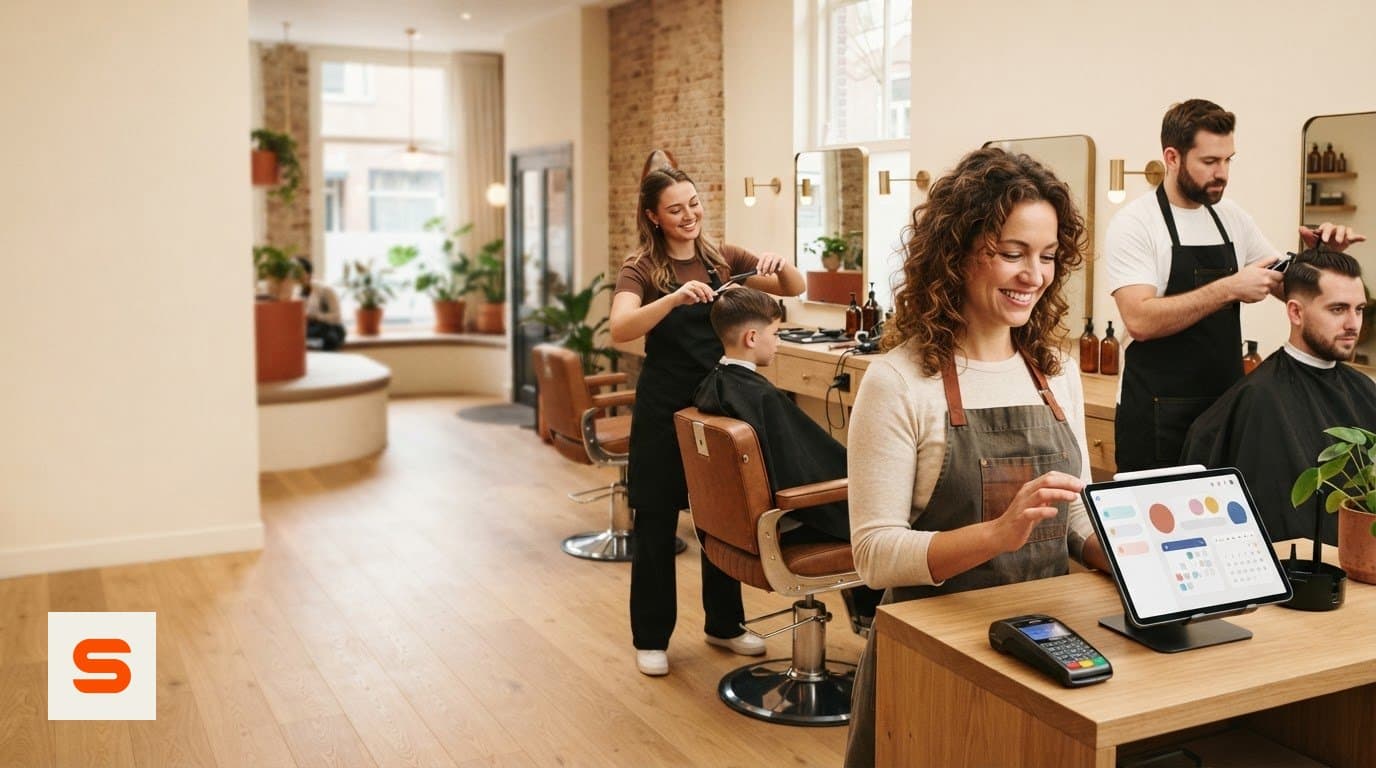
A calendar answers the question of when each barber is busy. A queue answers a different one: in what order the people sitting in the shop right now get served. They are two different jobs, and appointment scheduling software is at its core built for the first.
Be honest about that when you choose. Salonnare has a calendar with online booking, client cards and a point of sale, but no digital queue, no check-in screen and no queue display for the shop floor. So you handle the order of walk-ins yourself, and that is less of a problem than it sounds: in a shop with two or three chairs, a fixed team agreement is usually quicker than an extra screen.
If you want the broader picture first, covering walk-ins, reminders and checkout in one schedule, read the guide on barbershop appointment software. This article is about setting up the walk-in side itself.
Pick one way to handle the order
A team that decides afresh every day who takes the next walk-in loses time and sometimes a customer. Pick one of these three and stick with it for a month.
A dedicated walk-in chair. One barber takes all walk-ins on fixed days, the others work by appointment only. Easy to explain to customers and to the team. The downside: on a quiet day that barber sits idle while the rest are fully booked.
Fixed walk-in hours. For example 16:00 to 18:00 on weekdays and walk-ins only on Saturday morning. Customers learn when they can come in without booking, and outside those hours your calendar is predictable. This works well if you actually keep the time free in the calendar, see the next section.
A list at the front desk. Whoever comes in gets a spot on a list, and every barber who frees up takes the top name. A chalkboard or a numbered ticket is enough. What matters is one rule for the boundary with appointments: a booked customer goes first once their time comes, and you only quote a walk-in a waiting time after checking the calendar.
Keep time free with a task block in the calendar
The biggest risk with walk-in hours is that online bookers fill them. If the calendar is open from 16:00 to 18:00, a customer on the booking page simply sees free slots and your walk-in block is gone before the door opens.
In Salonnare you add a task to the calendar for this: a block with a title (for example "Walk-ins"), a start and end time and the barber or barbers it applies to. You can create the same block for several barbers at once. A task blocks online booking by default, so those hours do not appear on the booking page. If you do want a block to stay bookable online, you tick the option to keep it bookable.
That way the calendar stays the single source of truth: online bookers only see time that is really meant for appointments, and the team sees at a glance when walk-ins take priority. Read more about the calendar and booking page under bookings management.
Appointment or just a receipt: when to record
You can record a walk-in in two ways, and that choice decides what you can find later.
As an appointment in the calendar. You create the client (a name is enough, an email address is not required) and put the service on the barber's chair. The chair then shows as busy in the calendar, so nobody can book it online while the cut is under way. The client gets a client card with their visits and receipts, and next time you can see what was done before. Loyalty points can only be credited to a client, so without a client card they earn nothing.
Just ringing it up at the till. You charge the service directly, without an appointment and without a client card. That is the fastest option and fine for a tourist or a one-off passer-by. Your revenue is in the till as usual, but there is no history per client and the chair was not marked busy in the calendar.
A workable rule: regulars and anyone who might come back as an appointment, passers-by as a receipt only. The point of sale handles VAT correctly in both cases, and the client cards grow along with your regular walk-ins.
After a month: read what walk-ins bring in
After a month, put your own count of walk-ins next to the figures from the software. Look at three things.
Revenue per barber. Does the barber on the walk-in chair earn as much as the rest, or are they idle too often? Then fixed walk-in hours for the whole team may work better than one dedicated chair.
Which parts of the day fill up. If the Saturday morning walk-in block keeps overflowing while Tuesday afternoon stays empty, move the block instead of adding hours.
How many walk-ins return. If the same names keep turning up in your client cards via walk-ins, offer them the booking page. A regular who books themselves makes your day more predictable.
The reports with revenue per staff member and the daily summary come with the Starter plan. On the free plan you have the till and the calendar, and you count it yourself.
What it costs and how to try it
Salonnare has three plans with a fixed monthly price. Free (€0) is for one barber and up to 50 appointments a month, with calendar, online booking page, till for cash and card, client cards and email reminders. Note that a walk-in you record as an appointment counts towards those 50, so a busy walk-in shop reaches the limit quickly. Starter (€29) is for up to three staff with unlimited appointments, reports, stock and loyalty. Pro (€59) has unlimited staff and deposits on online bookings.
There is no marketplace commission on new clients. Every online or card payment does carry a transaction fee of 0.5%, with a minimum of €0.30, and the money reaches your own account via iDEAL/Mollie or Stripe.
Try it with a real working day: put a "Walk-ins" task block in the calendar, record a regular as an appointment, ring up a passer-by at the till only, and check that the booking page skips your walk-in hours. Read more about Salonnare for barbers on the barber software page. Start free with Salonnare and test it with your own shop.
Set up your walk-ins with a real working day
Put a walk-in block in the calendar, record a regular and ring up a passer-by. The free plan costs nothing and you do not need a credit card.
View the plansFrequently asked questions
Does Salonnare have a digital queue for walk-in customers?
No. Salonnare has a calendar with online booking, client cards and a point of sale, but no digital queue, check-in screen or queue display. You handle the order of walk-ins with a fixed team routine, such as a list at the front desk or fixed walk-in hours.
How do I stop online bookers from filling my walk-in time?
Add a task to the calendar for the walk-in period, for example "Walk-ins" from 16:00 to 18:00, for the barbers on walk-in duty. A task blocks online booking by default, so those hours do not show on the booking page.
Does a walk-in customer have to give an email address?
No. A name is enough for a client card. If you do not want to record the client, you can also charge the service directly at the till without an appointment or client card.
Does a walk-in count towards the free plan's limit?
Yes, if you put it in the calendar as an appointment. The free plan includes 50 appointments a month. If you only ring up a passer-by at the till, that is not an appointment. The Starter plan at €29 a month has unlimited appointments.