



Hairdressing software for multiple staff: three stylists, one week worked out
Once more than one stylist works in your salon, each needs their own calendar and you need one overview. A full calendar does not yet tell you who contributes what. This article works through one week for three stylists: occupancy, revenue per booked hour and revenue per available hour. Every number can be checked by hand.
One calendar per staff member, one overview for you

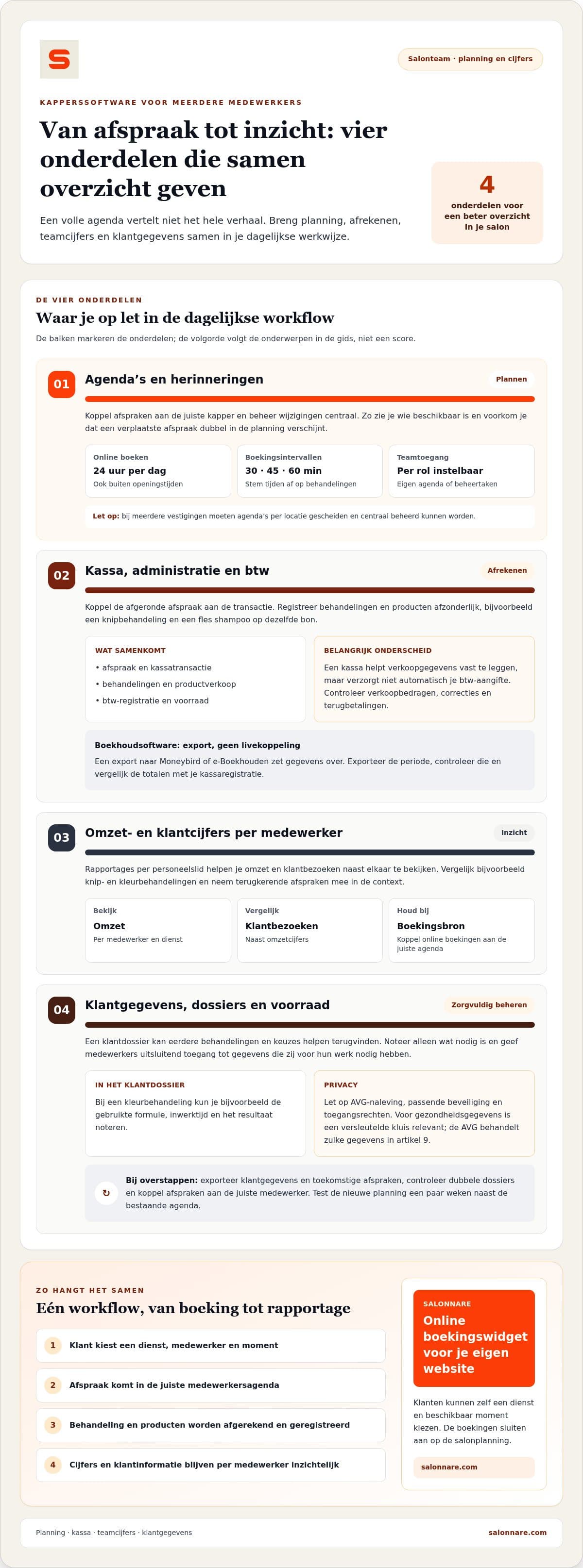
In bookings management you plan per staff member, move an appointment by dragging it and see at once who is where. A change updates centrally, so a moved appointment does not appear twice in the schedule.
Clients book through your own website or Google at a free time, including outside opening hours. Roles and access rights decide what a staff member sees: their own calendar yes, their colleagues' revenue no.
When choosing, look at three things: changes must update centrally, rights must be configurable per role, and the figures per staff member must come from the same source as your till.
Worked example: three stylists, one week
Take a salon with three stylists (A, B and C) and one week. The calendar is open for 32 hours for A, 24 hours for B and 32 hours for C: 88 hours together. Actually booked and performed are 24, 18 and 20 hours: 62 hours together. Treatment revenue including VAT is €1,300, €900 and €1,000: €3,200 together.
Occupancy = booked hours / available hours. A: 24 / 32 = 75%. B: 18 / 24 = 75%. C: 20 / 32 = 62.5%. Salon: 62 / 88 = 70.5%.
Revenue per booked hour = revenue / booked hours. A: €1,300 / 24 = €54.17. B: €900 / 18 = €50.00. C: €1,000 / 20 = €50.00.
Revenue per available hour = revenue / available hours. A: €1,300 / 32 = €40.63. B: €900 / 24 = €37.50. C: €1,000 / 32 = €31.25. Salon: €3,200 / 88 = €36.36.
Excluding 9% VAT, the salon's weekly revenue is €3,200 / 1.09 = €2,935.78.
What to do with these numbers
B and C earn the same revenue per booked hour (€50.00), but C has the most empty hours: 32 - 20 = 12, against 8 for A and 6 for B. C's bottleneck is therefore how full the calendar is, not pace or price. If C were booked 4 hours more at €50 per hour, that is €200 extra per week.
A has the highest revenue per booked hour. First find out where that comes from, for example more colouring or more product sales, before drawing a conclusion. Also do not conclude anything from one week: compare at least four weeks.
You find these figures in reporting. How to turn them into profit is covered in salon revenue reporting. If you pay your staff a commission, staff commissions calculates it on revenue after discount and excluding VAT.
Till, accounting and client data in a team
Have every appointment paid in the point of sale, so revenue stays linked to the appointment and therefore to the staff member. Only then do the figures above match your till.
For your bookkeeping you export the data, for example to Moneybird or e-Boekhouden. That is an export, not a live link: compare the totals with your till per period.
Client data is more sensitive in a team. In client CRM you record treatments. Health data sits in an encrypted vault under GDPR article 9, and with roles you give staff access only to what they need.
What it costs in Salonnare
Salonnare is a young platform with calendar, online booking, point of sale and client management in one system. Free costs €0 per month, Starter €9.99 and Pro €14.99 per month.
Every online or card payment through Salonnare carries a 0.5% fee, with a minimum of €0.30. Example: on an online payment of €35, 0.5% is €0.175, so the €0.30 minimum applies. On €100 it is €0.50.
See the pricing per plan or start free with Salonnare.
See how your salon runs per stylist
Start with the free plan (€0 per month). As your team grows, move up to Starter (€9.99) or Pro (€14.99).
Start free with SalonnareFrequently asked questions
Does every stylist need their own calendar?
Yes. With a calendar per staff member you can follow appointments, availability and revenue per person, and roles let you decide who sees what.
Which figures per staff member are most useful?
Start with occupancy (booked hours divided by available hours) and revenue per booked hour. Together they show whether a revenue gap comes from how full the calendar is or from price and pace.
Is the link with Moneybird or e-Boekhouden live?
No. You export the data and import it into your accounting package. Then compare the totals with your till per period.