



Choosing barbershop software in the Netherlands: the complete guide for modern barbers
Would you rather stand behind the chair with a blade in your hand, or spend your day answering WhatsApp messages? For many barbers the admin feels like a necessary evil that eats into billable time. Picking the right barbershop software in the Netherlands is therefore not a luxury but an investment in your own peace of mind. This guide is a decision aid rather than a brochure. You will read which requirements apply specifically to the Dutch market, which features you actually use every day and which ones only ever appear on a sales page. By the end you will know exactly what to check before you sign anything.
Why barbers get stuck on admin, not on their craft
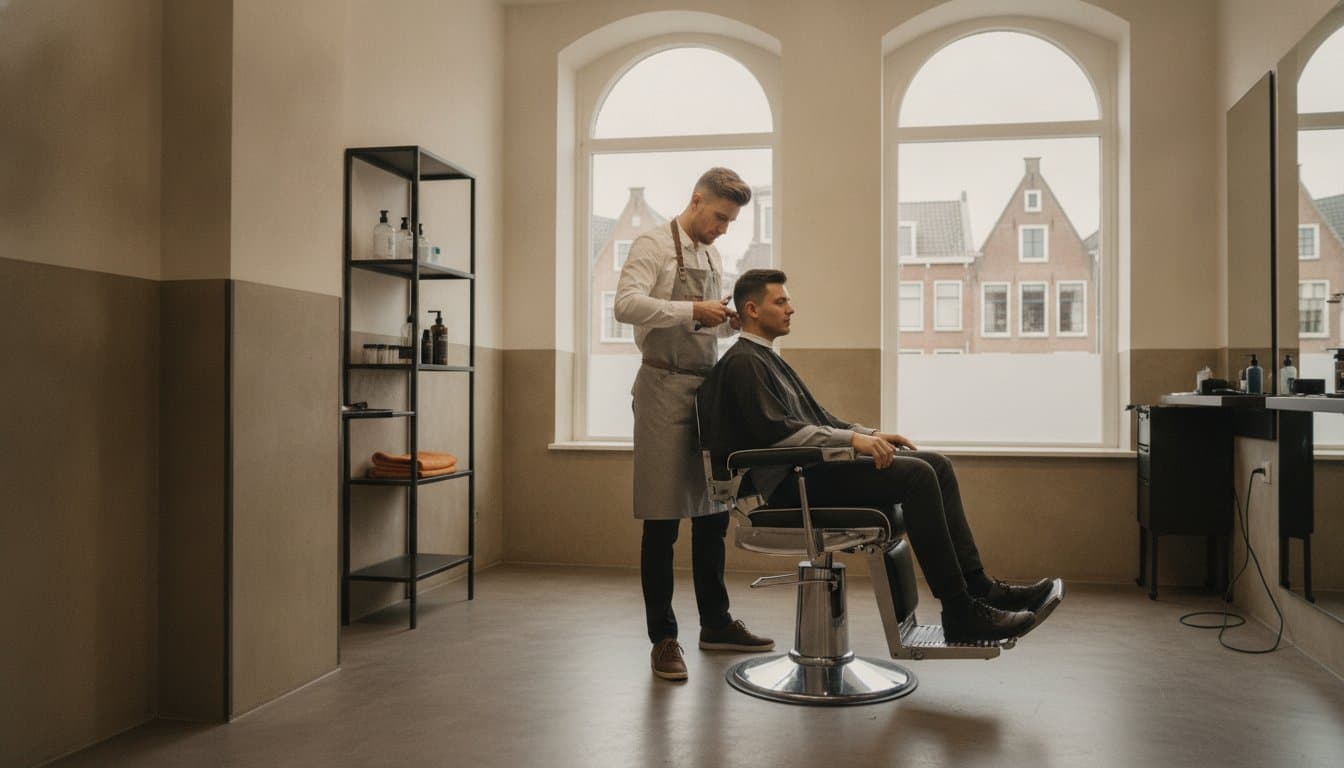
Running a barbershop is about focus and craft. Every time you put down the clippers to note an appointment, you lose rhythm. And rhythm is where your margin lives: half a minute per phone call, twenty times a day, quickly adds up to a full cut you never got to do.
The underlying technology is not new. Appointment scheduling software has been around for decades and the principle is simple: the calendar lives online, clients pick their own slot and the system guards against conflicts. What is new are the demands Dutch practice places on it. Think of iDEAL, a till that keeps the 9 percent and 21 percent VAT rates apart, and a client record that satisfies the GDPR.
This is exactly where generic foreign packages tend to fall short. They schedule fine, but you are still left with a till that cannot handle your VAT return or a payment method your Dutch clients do not use. The decision is therefore less about the calendar itself and more about everything around it.
The checklist: what to look for in barbershop software in the Netherlands
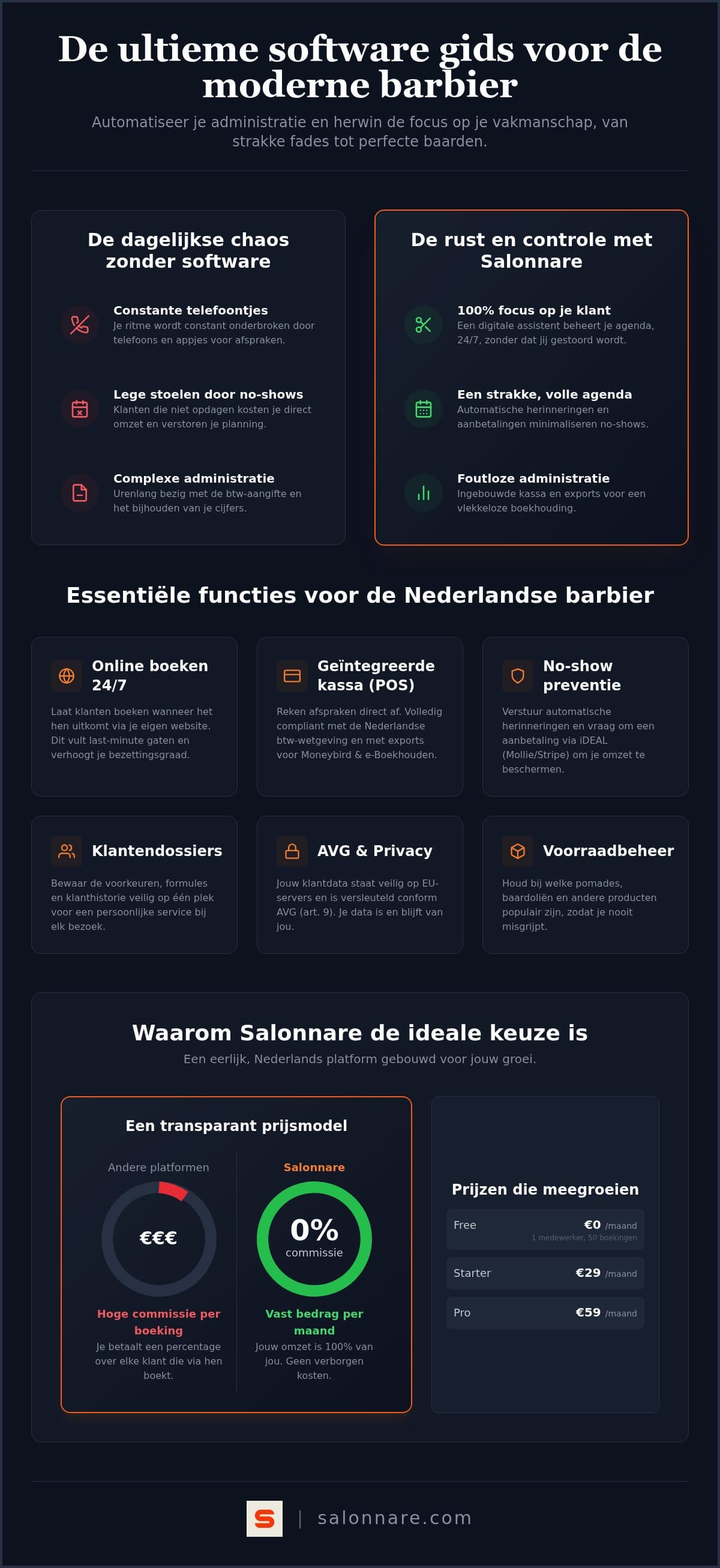
Work through these points before you book a demo. Together they decide whether you are still using the software three months in or quietly let it slide.
A calendar that handles walk-ins. Barbers work with a mix of booked appointments and walk-ins. Can you drop a walk-in with the next available barber in two taps without reshuffling your whole day? If not, you will end up keeping a paper list next to the screen on Saturdays.
Permissions per staff member. As soon as you work with a team, you do not want everyone to see revenue figures or client notes. Check whether you can set visibility per person.
A till your tax office will accept. In the Netherlands services fall under the reduced VAT rate while retail such as pomade and beard oil falls under the standard rate. A till that splits this automatically on one receipt saves you hours every quarter.
Client data on EU servers. You record preferences and sometimes sensitive information. Ask explicitly where the data sits and who can reach it.
A pricing model without commission per booking. This is where most money leaks away over time. We will come back to it.
Want to see what this looks like in practice for a barbershop? Our page on barber software walks through the walk-in calendar, the till and the client record with screenshots.
No-shows and deposits: the difference between a full and a half-empty day
Empty chairs caused by clients who never turn up are lethal for your margin. A forty-minute fade that falls through is rarely refilled on a Saturday morning. Two mechanisms work against this, and good software has both.
The first is the automatic reminder. A message 24 hours in advance removes most of the forgetful cancellations, simply because the client can still cancel in time and you can still fill the gap.
The second is the deposit. Ask for part of the amount up front and the calculation changes for your client. At Salonnare (Pro plan) that runs through a connection with Mollie or Stripe, and the money lands directly in your own account, minus the provider's costs and a 0.5% platform fee (min. €0.30) per transaction. How to build such a policy without alienating your regulars is covered in our guide on collecting deposits in your salon.
When comparing options, check where that money lands. Some platforms collect on your behalf and pay out periodically, which costs you cash-flow. Straight into your own account is almost always better.
Till, VAT and bookkeeping: where most of the time quietly leaks away
A standalone calendar solves only half your problem. The real time sink is the wrap-up: checkout, receipts, daily totals and the quarterly return. An integrated till turns those four steps into one.
In the point-of-sale of Salonnare you settle a haircut and a tin of pomade on a single receipt, with the correct VAT rate per line. Tips are recorded separately so they do not disappear into your service revenue. At the end of the day your daily report rolls out automatically.
For your bookkeeper you export that data as a file that works with packages such as Moneybird or e-Boekhouden. Note the distinction: this is an export, not a live connection that posts entries by itself. For most barbershops that is plenty and it saves you retyping daily totals.
Ask every vendor what happens if you ever leave. Can you take your client list and revenue history with you? A supplier who is vague about that has effectively answered the question.
Pricing and switching: how to start without ruining your Saturday
Always run the pricing model against your own volume. A percentage per booking looks friendly at ten appointments a week, but it grows along with your success. A fixed monthly fee does not. At Salonnare you start on the Free plan at 0 euro per month with one staff member and up to 50 bookings. Once you grow past that, you move to Starter at 9.99 euro or Pro at 14.99 euro per month. On top of that we charge only a 0.5% platform fee (min. €0.30) per online or card payment, on every one of those plans. Check the pricing and plans to see what suits your team.
Schedule the switch yourself, in a quiet week. Set up your services, prices and opening hours first, let online bookings run alongside your old system for a few days, and only then flip the switch. If you work alone, our guide on salon software for freelancers gives you a shorter checklist.
You do not have to retype your existing client list. Get in touch before you start and we will look at moving your client data and history across together.
The bookings themselves come in through a booking widget on your own site, through your Google listing or through the marketplace. You sign in with Google, Microsoft, Apple or Facebook, and you install the app on your phone or tablet so the calendar is always at hand.
Ready to try it without risk? Create a free account today and put your first services online.
Ready to hand over the admin?
Put your services online, let clients book themselves and check out on a till that splits your VAT automatically. You start on the Free plan at 0 euro per month, with only a 0.5% platform fee (min. €0.30) per payment.
View the pricingFrequently asked questions
What does barbershop software cost in the Netherlands?
Rates vary widely and depend mostly on the model: a fixed monthly fee or a percentage per booking. At Salonnare you pay a fixed amount, plus only a 0.5% platform fee (min. €0.30) per online or card payment. You start free on the Free plan with one staff member and up to 50 bookings per month. If you need more, Starter is 9.99 euro and Pro is 14.99 euro per month. Run every vendor model against your own booking volume, because that is where the biggest annual difference sits.
Does the software work if I get a lot of walk-ins?
Yes. In the calendar each barber has their own column, so you see at a glance who is available. A client who walks in without an appointment is added to the next free slot in a few taps, and your booked appointments do not shuffle around. That keeps you on top of who is next even on a busy Saturday.
How does collecting deposits through iDEAL work?
Deposits (Pro plan) run through a direct connection with Mollie or Stripe. You decide how much a client pays up front to confirm the appointment. During online booking the client settles that amount by iDEAL or card, and the money lands straight in your own account. We only charge a 0.5% platform fee (min. €0.30) on those transactions, so you keep full control over your cash-flow.
Can I bring my existing client list with me?
Your accumulated client history is far too valuable to retype by hand. Get in touch before you switch and we will look together at moving your client details and appointment history across. That way you start with a populated database and your regulars barely notice the change.
Is the software suitable for self-employed barbers?
Certainly. The Free plan is aimed at barbers working on their own who handle up to 50 bookings per month. It gives you the online booking widget, the client record and the till. If your shop grows and you add a second chair, you scale up without re-entering your data.