



Automatic appointment reminders: how they work for your salon
An automatic reminder works best as a fixed step in your appointment workflow, not as a standalone message that happens to be switched on somewhere in your software. The message is only as good as the booking behind it: if the date, time or treatment is wrong, the reminder repeats that mistake right on schedule. In this article you will learn what a reminder does and does not do, what belongs in it, how to choose the sending time and which checks make sure your client knows exactly where they stand.
What an automatic reminder does and does not do
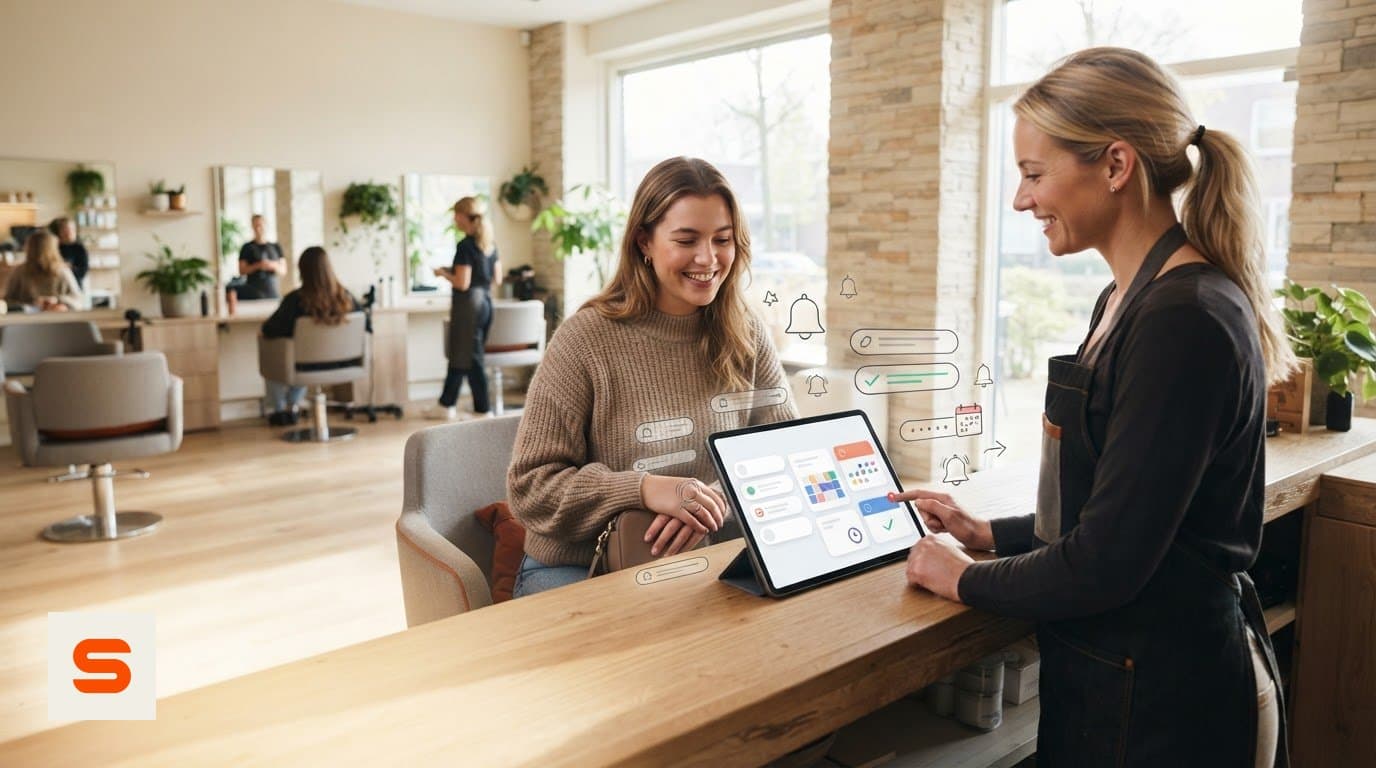
Once a client books a treatment, nobody needs to keep track of who still needs a message. The software sends a reminder at a set time before the appointment. That saves manual follow-up calls and gives the client a prompt with the details of their visit.
What automation does not do is take over the conversation. A question, a request to reschedule or a doubt about the treatment still needs a reply from you or your team. Think of the reminder as one fixed step in your workflow: the software handles the scheduled message, you stay focused on personal contact.
Confirmation, reminder and appointment management: three roles
These three are often mixed up, yet each does something different:
- Confirmation: sent right after booking, it tells the client the appointment is recorded. - Reminder: sent later, before the appointment, it brings the visit back to mind. - Appointment management: the overview where your schedule and client details live, and where both messages get their data.
That last point is the key. A mistake in the booking automatically ends up in every automated message. Good records matter not only for your schedule but also for clear communication. Example wording for the first message is in our article on appointment confirmation emails.
What a good appointment reminder contains
Include only what the client needs to prepare for the visit. A reminder is a service message, not a place for promotions.
- Date and time, checked against the booking. - The treatment, so it is clear which appointment the message is about. - A recognisable sender: your salon's name, so the client sees at once who it is from. - Practical information where needed, such as the address or how to request a change.
Keep the tone the way you talk at the front desk: friendly, short and direct. If some treatments need preparation from the client (coming without make-up, for example), write a separate text for that appointment type rather than one message that has to fit everything.
Choosing when to send
There is no timing that works for every salon. A thirty-minute cut needs something different from a long colour treatment the client has to take time off for. Ask yourself two questions: when does the client need this information, and how much time do you need to refill a slot if someone cancels?
Many salons start with a reminder one day ahead and adjust once they notice clients need the information earlier. Check your settings again whenever your opening hours or booking process change. If a client cancels after the reminder, a clear cancellation policy makes it plain what applies.
Building reminders into your workflow in three steps
1. Record the appointment carefully. When booking, check the client details, email address, treatment, date and time. A complete record is the basis for a message that is correct. 2. Set up the reminder. Decide when the message goes out and match it to the way you work, instead of leaving a default untouched without thinking about it. 3. Check the result. Book a test appointment for yourself, read the message as your client will see it and check it fits your schedule. Repeat this whenever your way of working changes.
Start small: pick the appointment type you currently follow up by hand most often, and expand once that runs smoothly.
Changes and phone bookings
A reminder only matches the current appointment if you enter changes straight away. When an appointment is moved or cancelled, update the calendar immediately so no message goes out about an appointment that no longer exists.
Phone bookings belong in the same system as online bookings. Make it a fixed way to end the call: repeat the date and time, put the appointment in the calendar right away and check the email address. Then the follow-up you have set up includes this appointment too, without you having to remember it later.
How it works in Salonnare
In Salonnare, appointment management and reminders live in the same software, so the messages take their details straight from your calendar:
- After booking, the client receives a confirmation email. - Before the appointment, a reminder email follows. By default 24 hours ahead, and you set the number of hours yourself. - You edit the wording in an email builder with placeholders for client name, treatment, date and time, among others, which are filled in automatically when the email is sent. - Reminders go out by email. An appointment you add to the calendar yourself, for instance after a phone call, is included in the follow-up as well.
Email reminders are already part of the free plan (€0, 1 team member, 50 appointments a month). As your team grows there are Starter (€29 a month) and Pro (€59 a month). Read more about automatic reminders in Salonnare, work out what an empty chair costs you in our guide to no-shows or start free with Salonnare.
Let your reminders do the work
Start free, set up your confirmation and reminder once and keep your attention on the client in your chair.
Start freeFrequently asked questions
What is the difference between an appointment confirmation and an appointment reminder?
A confirmation is the first response right after booking and tells the client the appointment is recorded. A reminder is a later prompt before the appointment. Mention in the reminder how the client can request a change, so they know what to do if the time no longer works.
Can you use automatic reminders for appointments made by phone?
Yes. Put the phone booking in the same digital calendar as your online bookings and enter the client's email address. The appointment is then included in the follow-up you have set up. Repeat the date and time on the phone and record the appointment straight away.
Are automatic appointment reminders useful for a small salon?
Yes. Especially if you work alone, it saves time not having to check every booking yourself. Start with the appointments you currently follow up by hand most often and see whether a fixed reminder routine suits the way you work.
How do you keep an automatic reminder from feeling impersonal?
Write the text the way you normally talk to clients, use your salon's name as the sender and let the client's name be filled in automatically. Where needed, use separate texts for appointment types with different practical information so the message stays relevant.