



Less stress through automated admin and a clear view of your numbers
Less stress through automated admin starts with less repetitive manual work and a better overview. Automation does not take over your oversight, but it saves you hunting for appointments, details and loose notes. Here is what you can automate, which checks stay with you, and what it costs and saves in a worked example.

Why repetitive work causes the stress

Stress rarely comes from one big task. It comes from small things left undone: a receipt, a missing client detail, a payment you are not sure was processed. When data lives in several places, every simple question takes time.
Automation helps most with rule-based tasks: recording appointments, registering payments and listing figures per period. Exceptions stay yours, so keep them visible for review.
What to automate and what to keep checking
Automate what recurs in the same way. Check what deviates or has financial consequences.
- Automate: recording appointments and payments, till entries, reports per fixed period. - Check yourself: whether revenue, costs and open payments match your bank statements, and whether VAT categories are right. - Decide yourself: who has access to which data and how exceptions are handled.
In the Netherlands you must keep financial records for at least seven years. Digital copies of receipts and invoices are accepted if legible and complete. Check automatically read details such as date and amount before booking. For the tax side, see tax and bookkeeping for your salon.
Worked example: what does it cost and what does it save?
Say your salon uses the Salonnare Pro plan and receives 40 online or card payments a month averaging 45 euros.
1. Pro costs 14.99 euros per month, excl. VAT, cancellable monthly. 2. Transaction fee: 0.5% of 45 euros is 0.225 euros. The minimum is 0.30 euros, so each payment costs 0.30 euros (the minimum applies up to 60 euros; above that it is 0.5%). 3. 40 payments x 0.30 euros = 12.00 euros. 4. Total: 14.99 + 12.00 = 26.99 euros per month.
Calculate the time saved yourself. If retyping and searching costs 15 minutes per working day, that is 300 minutes over 20 days, or 5 hours a month. Cut it to 5 minutes a day and you save 10 x 20 = 200 minutes, over 3 hours. Put your own hourly value against 26.99 euros. More on software costs on the pricing page.
Your 15-minute weekly check
Pick a fixed moment, such as Friday afternoon, and go through four points:
1. Does the week's revenue match your bank statements? 2. Are there open payments to follow up? 3. Any till differences or missing receipts? 4. Is the export for your bookkeeping up to date?
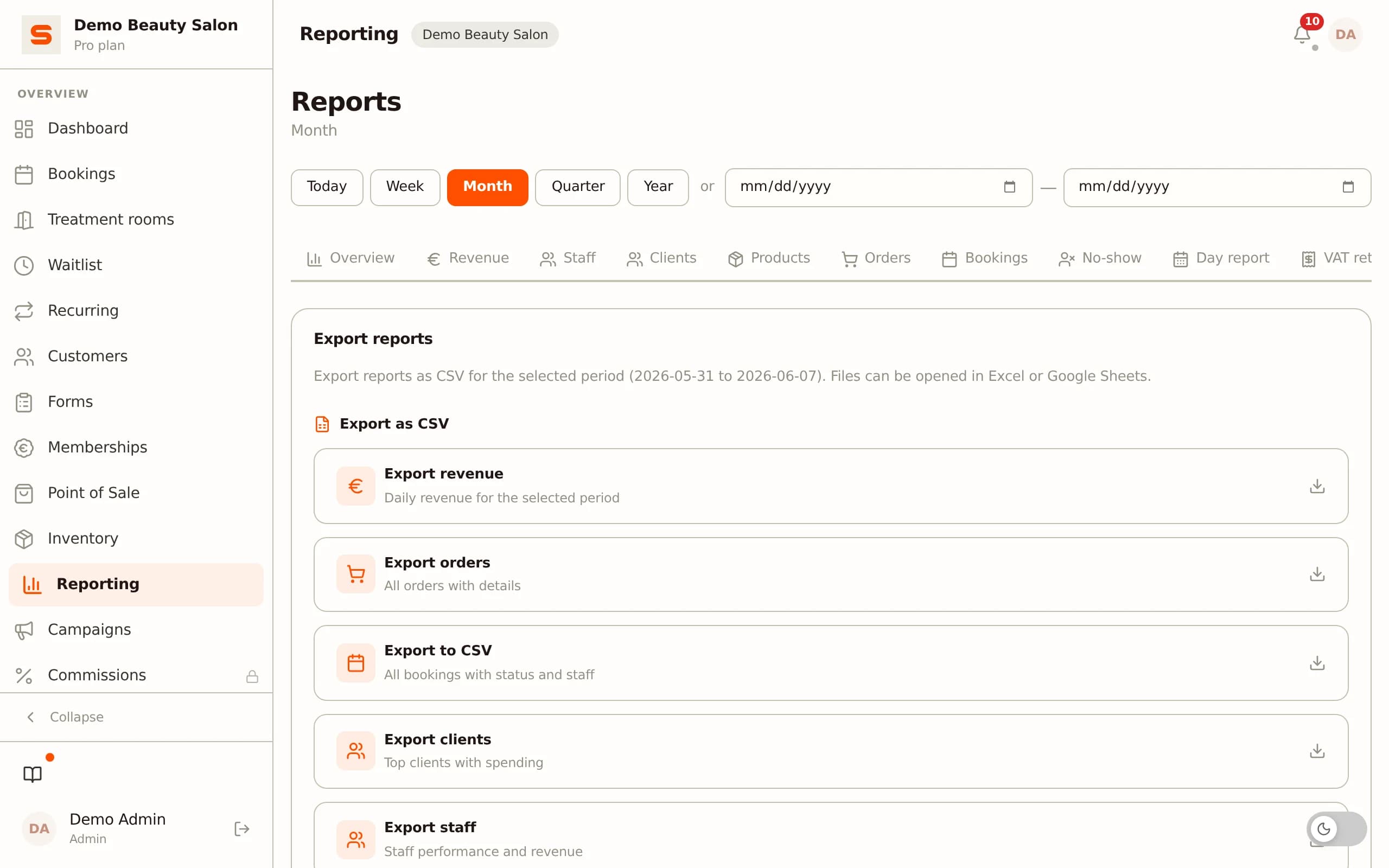
Have a backlog? Start with the most recent documents and work backwards. That separates current matters from old questions. For how to use reports, see salon reporting software.
Limiting pressure and risk
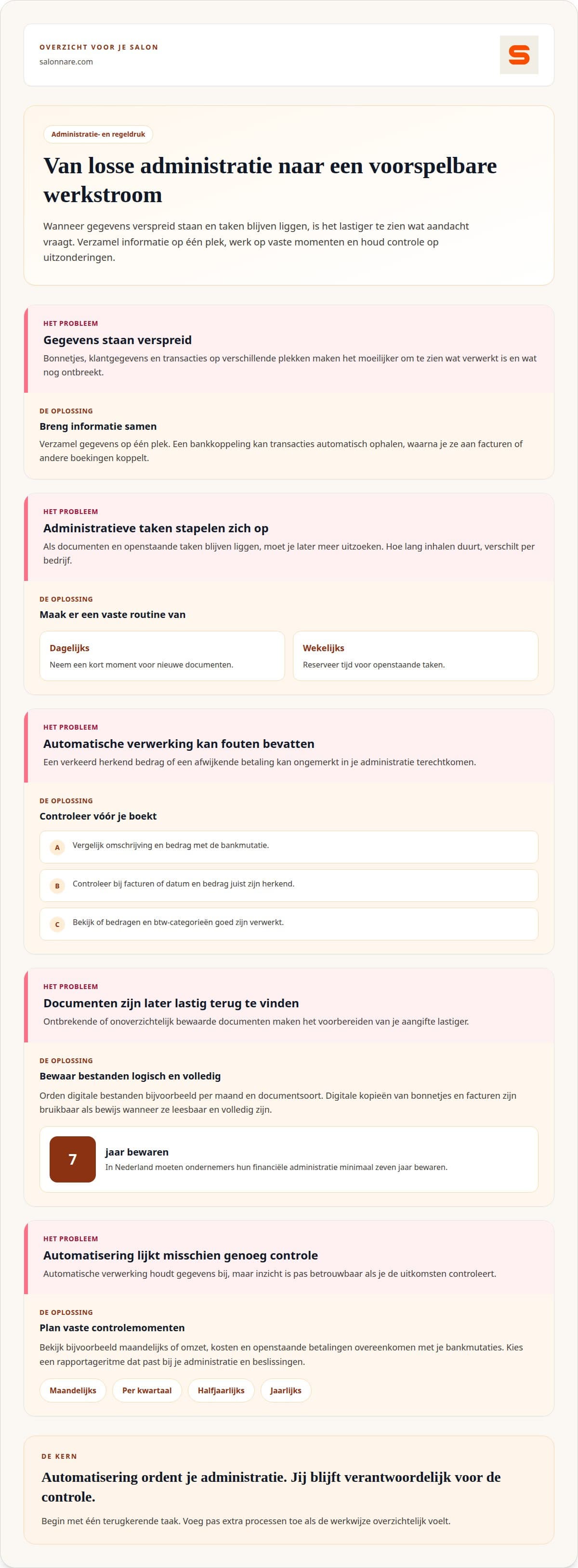
Software brings risks too: errors in reports, a data breach or an outage. Limit them with restricted access rights, regular checks and an exportable administration. Start with one recurring task and add more later, so a new system does not create unrest itself. For a wider approach, see salon admin software.
What Salonnare covers
Salonnare brings appointments, client details and daily records together. You manage appointments via an online booking widget on your own website, the POS supports VAT handling and client records keep information in one place. Health data sits in a separate GDPR vault. Inventory management shows your products, and you can create an accounting export that fits Moneybird and e-Boekhouden (export, not a live link).
Checking your numbers stays with you. Questions? Contact us or start free.

About the author
Nick van Iersel · founder of Salonnare (VanIersel Development, Waalwijk)
Nick builds Salonnare together with the salons that use it. He writes about scheduling, point of sale, privacy and everything a salon runs into as a business.
More about Nick and his articles →Start calmly with an overview
Start free and find out which parts help you keep your overview.
Start free with SalonnareFrequently asked questions
How do you choose the right automation solution?
First find where information is entered twice or often missing. Then check that the system is clear to everyone using it and that you can export your data. A salon with several staff needs different access settings than a solo owner.
How long does it take to fix a neglected administration?
It depends on the size of the backlog and how complete your documents are. Missing statements take more sorting out. Start with the most recent documents and work backwards.
How does tidy admin bring peace of mind?
You see what is finished and what needs action. You no longer have to remember whether a payment or till difference needs attention, and one fixed place per document stops the search across mail, phone and paper.
How does a backlog cause stress?
It is harder to see what is complete, and simple questions cost extra time. Work also piles up in busy periods. Processing new documents straight away stops daily work competing with old tasks.