



Hair salon software in the cloud: what a checkout costs and what to check before you switch
A checkout that fits your calendar saves time every day. But what does ‘in the cloud’ mean in practice, and what does a payment actually cost you? Here you run through three checks before you switch and work out a month step by step for a small hair salon.
What ‘in the cloud’ means for your salon and what to check when you switch

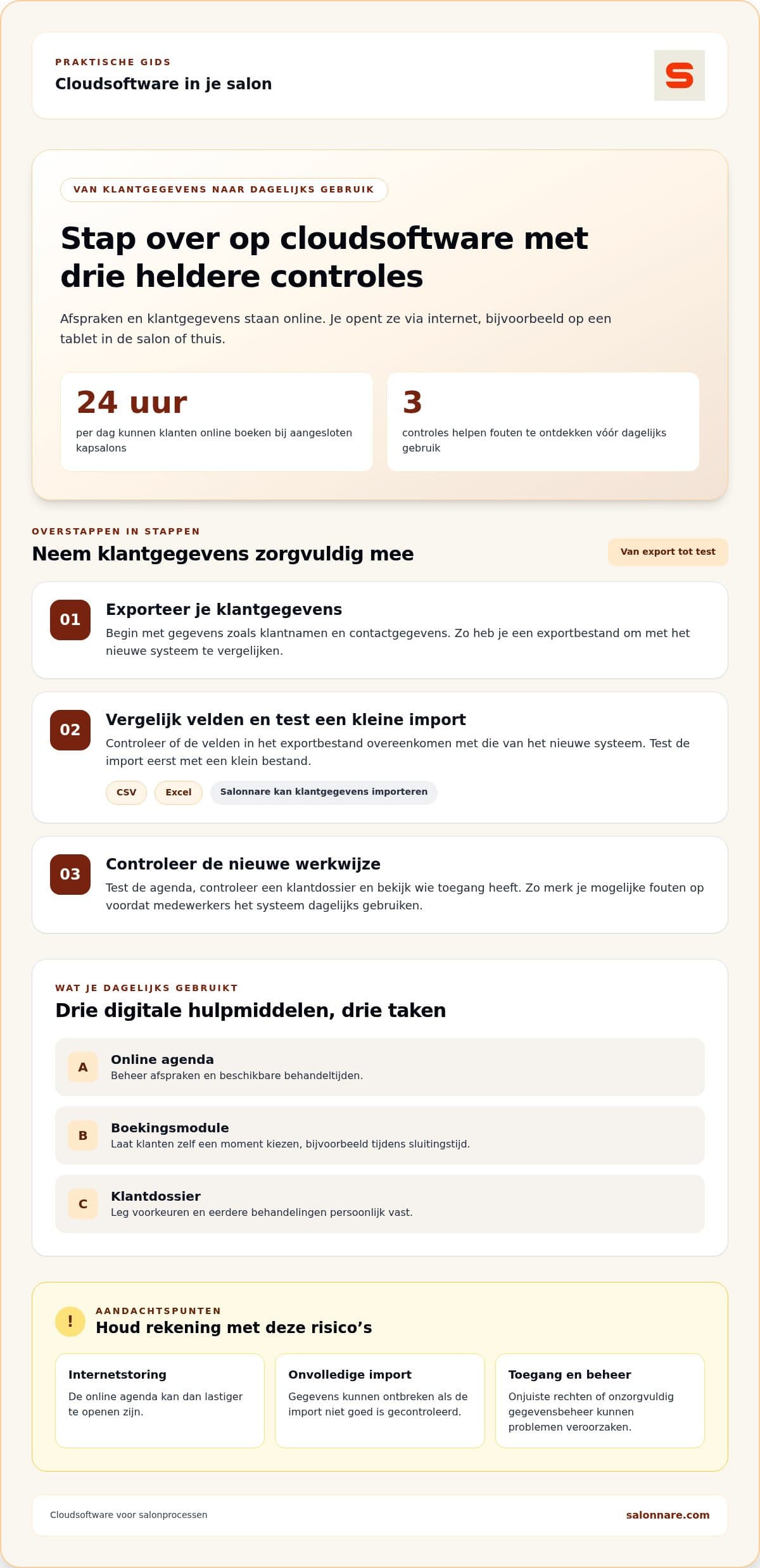
Cloud software stores your calendar and client data online, so you open them on any device with internet: the tablet at the chair, the PC at the desk or your phone at home. Clients can book outside opening hours and get an automatic confirmation. The trade-off is the dependence on internet: if the connection drops, you cannot reach your online calendar either. Weigh that up before you switch.
Three checks before you switch:
- Calendar: create, move and cancel an appointment on the device you use every day. - Client record: open one record and see which notes, allergies and preferences it holds and who may see them. - Access: check which staff member has which permissions. Client notes should only be visible to those who need them.
Health data needs extra care under the GDPR. Salonnare stores it in an encrypted vault (GDPR Art. 9).
Checkout and payments: what does a payment cost?
In Salonnare the point-of-sale with automatic VAT splitting and online payments sit in the same system. iDEAL and Mollie payments go to your own account. On every online or card payment Salonnare keeps 0.5%, with a minimum of €0.30. Your payment provider's own costs come on top; check them in your own account.
### Worked example: a small hair salon in one month
Assumption: 60 checkouts of €35 and 20 checkouts of €100, all by iDEAL or card.
- 60 × €35 = €2,100 revenue. 0.5% of €35 is €0.175, below the minimum, so you pay €0.30 per payment: 60 × €0.30 = €18.00. - 20 × €100 = €2,000 revenue. 0.5% of €100 is €0.50: 20 × €0.50 = €10.00. - Transaction fee in total: €18.00 + €10.00 = €28.00 on €4,100 revenue. - With the Pro plan (€14.99 per month): €28.00 + €14.99 = €42.99 per month, excluding your payment provider's costs.
The break-even sits at €60 per payment, where 0.5% is exactly €0.30. Below that you pay the minimum, above it 0.5%. Fill in your own numbers to see your own monthly amount.
Which hair salon software suits a small salon?
Choose by how you work, not by feature count. A solo hairdresser has different needs from a salon with several staff. List your daily tasks and mark what is essential and what is merely nice to have:
- Online calendar and booking module: clients pick a treatment and time themselves. - Checkout: paying for treatments and products, with VAT splitting. - Client management: client details and treatment notes in one place. - Inventory: an overview of the products you use or sell. - Permissions per staff member: once several stylists update client data.
Then test with a recognisable task: create an appointment, change it and process the payment. Salonnare runs in the browser and can be installed as an app (PWA), so you test it on the device you already use. To test the checkout in more depth, use the six checkout moments from our article on hair salon POS systems.
Salonnare in brief
Salonnare offers an online booking widget for your own website and Google, a checkout with automatic VAT splitting, client records with an encrypted health vault and inventory management. You export your bookkeeping to tools such as Moneybird and e-Boekhouden. The platform is available in nine languages.
The plans: Free €0, Starter €9.99 and Pro €14.99 per month. With the Free plan you can start without a monthly fee and see for yourself whether the features fit your salon.
Try it free with your own appointments
Start with the Free plan (€0) and test the calendar, checkout and client records with a task you know from your salon.
Start freeFrequently asked questions
Does cloud software for a salon need to be GDPR compliant?
Yes, if you process client data the GDPR applies to you as a salon. The software must offer suitable security and access control, but your own working method counts too: give staff access only to what they need. Health data such as allergies needs extra care; Salonnare stores it in an encrypted vault (GDPR Art. 9).
What does hair salon software cost per month?
With Salonnare: Free €0, Starter €9.99 and Pro €14.99 per month. On top of that Salonnare keeps 0.5% (minimum €0.30) on online and card payments, plus the costs of your own payment provider.
What if the internet goes down?
Cloud software needs internet. If the connection drops, you cannot open the online calendar. Plan a fallback in advance, for example writing down or printing tomorrow's appointments the evening before.