



Tracking daily salon revenue: one day, worked out step by step
A daily total says little if you cannot see where it comes from. This article works through one full day: treatments and products apart, VAT per rate, the cash check and the figures to put next to it. Every number can be checked by hand.
An example day: treatments and products apart

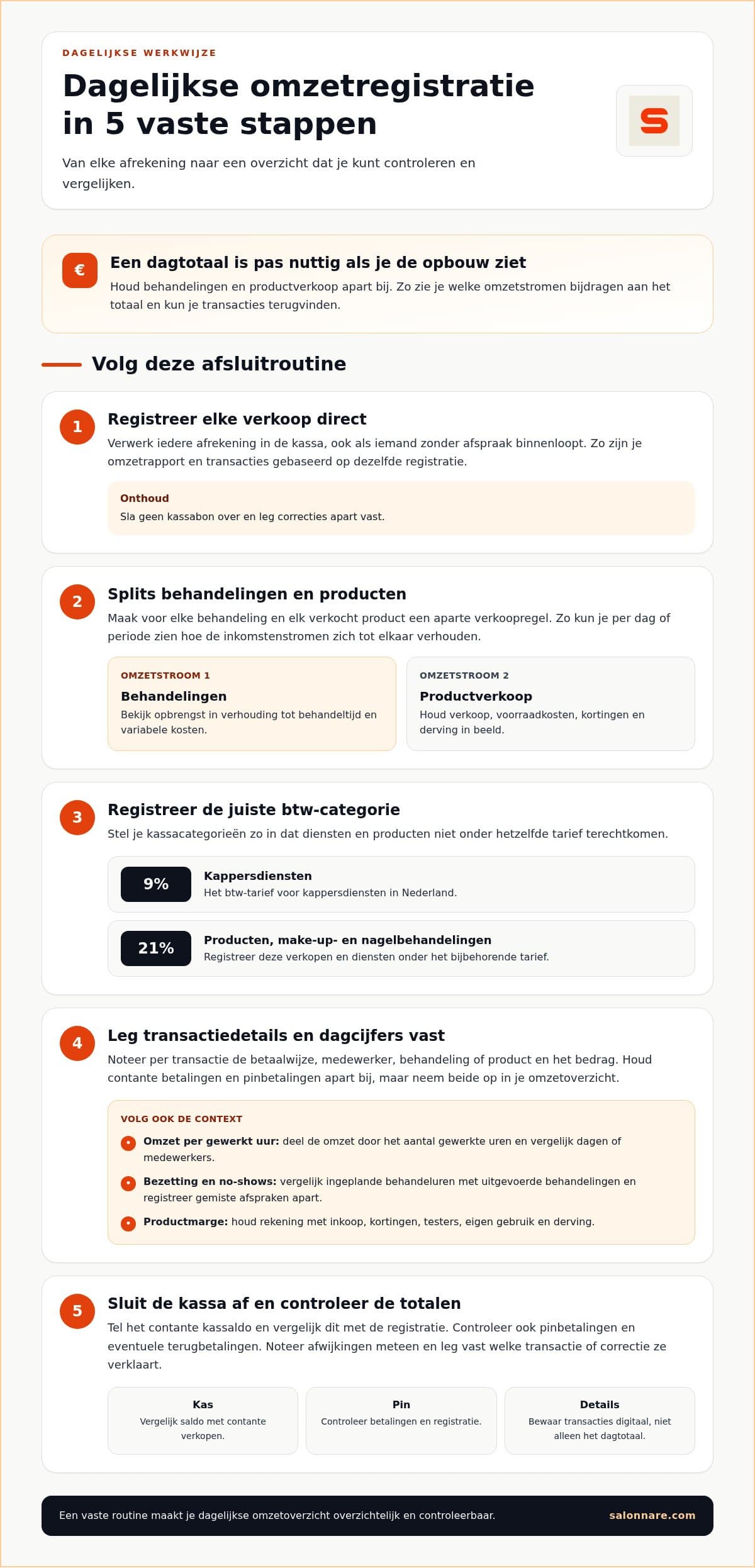
Record treatments and product sales as separate lines. Take a day on which one hairdresser does 8 cuts at €35 and sells 4 products at €20. All amounts include VAT.
In the Netherlands, hairdressing services fall under the 9% VAT rate, while products are taxed at 21%. Work back to the net figure for each revenue stream:
Treatments: 8 x €35 = €280 incl. VAT. Excl. VAT: €280 / 1.09 = €256.88. VAT: €23.12.
Products: 4 x €20 = €80 incl. VAT. Excl. VAT: €80 / 1.21 = €66.12. VAT: €13.88.
Day total: €360 incl. VAT, €323.00 excl. VAT, of which €37.00 is VAT.
Products are €80 of the €360, or 22.2% of the day. Book everything at 9% and you would set aside €29.72 VAT instead of €37.00, which is €7.28 too little. Make-up and nail treatments also fall under 21%. If you are unsure which rate applies, ask your accountant.
Checking cash and card at the end of the day
Say that of the €360, customers paid €100 in cash and €260 by card. You started the day with a €150 float in the drawer.
In the drawer: €150 + €100 = €250.
On the card terminal: €260.
Together: (€250 - €150) + €260 = €360, equal to the day total in your till.
If you count €247 in the drawer, the difference is -€3. First look for a receipt with the wrong payment method. A fixed search order is in the cash-up checklist.
Process every sale straight away in the point of sale, including walk-ins, and keep the transaction details digitally. Keeping only the daily total is not enough for your records. Record cash sales with their amount so your overview matches the receipts.
Figures to check every day
Revenue per hour worked: treatment revenue excl. VAT divided by hours worked. In the example €256.88 / 8 hours = €32.11 per hour. Compare it across days and staff.
Occupancy: scheduled treatment hours against the hours actually spent treating clients.
No-shows: record missed appointments separately, because lost hours are not always recovered.
Product margin: include purchase cost, discounts, testers and shrinkage. Less than it seems is left of that €66.12 product revenue.
VAT reserve: the €37.00 VAT in the example is not yours. Set it aside so you do not confuse it with available revenue.
These figures come together in reporting. How to turn them into profit is covered in salon revenue reporting.
What tracking costs in Salonnare
Salonnare is a young platform that brings calendar, online booking, point of sale and client management into one system. Free costs €0 per month, Starter €9.99 and Pro €14.99 per month; reporting is part of Starter.
Every online or card payment through Salonnare carries a 0.5% transaction fee, with a minimum of €0.30. Example: on an online payment of €35, 0.5% is €0.175, so the €0.30 minimum applies. On €100 it is €0.50. Factor that in when you compare payments with your bank.
See the pricing per plan or start free with Salonnare.
Keep your daily takings clear
Start with the free plan (€0 per month) with a till for cash and card. As your salon grows, move up to Starter (€9.99) or Pro (€14.99).
Start free with SalonnareFrequently asked questions
Why record treatments and products separately?
They can fall under different VAT rates and have different margins. Separate lines show which revenue stream contributes and stop you from calculating VAT at a single rate.
How do you work VAT out of a VAT-inclusive amount?
Divide the amount by 1.09 for 9% or by 1.21 for 21%. In the example: €280 / 1.09 = €256.88, so €23.12 VAT.
What if the till does not balance at the end of the day?
First check whether a receipt has the wrong payment method, then compare the receipts with that day's appointments and note the difference the same day.