



Online payments in your salon: connect Mollie and work out the cost
A salon can accept online payments through iDEAL and credit card. In Salonnare you connect your own Mollie account, so the money lands directly in your bank account. This article covers what you need, how a payment is tied to a booking and what a deposit really costs.

What do you need to accept online payments?

You need two things: a booking system where clients make appointments and your own payment account with Mollie. At checkout, clients choose an available method such as iDEAL or credit card. Which methods show up depends on your Mollie settings.
From early 2026 the combined iDEAL | Wero logo appears on payment pages and in banking apps. ABN AMRO, ING and Rabobank announced the transition on 28 October 2025; read more in this article on the new Wero payment system (in Dutch). For the salon side, see iDEAL and Wero for your salon.
Always let the payment provider handle card details and never store them yourself.
Connecting your own Mollie account: verification and bank details
With your own account, payments run through your agreement with Mollie, not through an account owned by the software vendor. During setup Mollie asks for digital verification of a passport or ID card and for the bank details where payouts should go. Check that both belong to your business and that every step is finished.
After connecting, make a test booking and a test payment. Check that the chosen payment methods are visible and that the payment appears on the right appointment. More on the feature is on the online payments page.
A Mollie Terminal is meant for payments at the counter. Online payments run through the connected payment environment, so keep those flows recognisable in your records.
Worked example: what does a deposit cost?
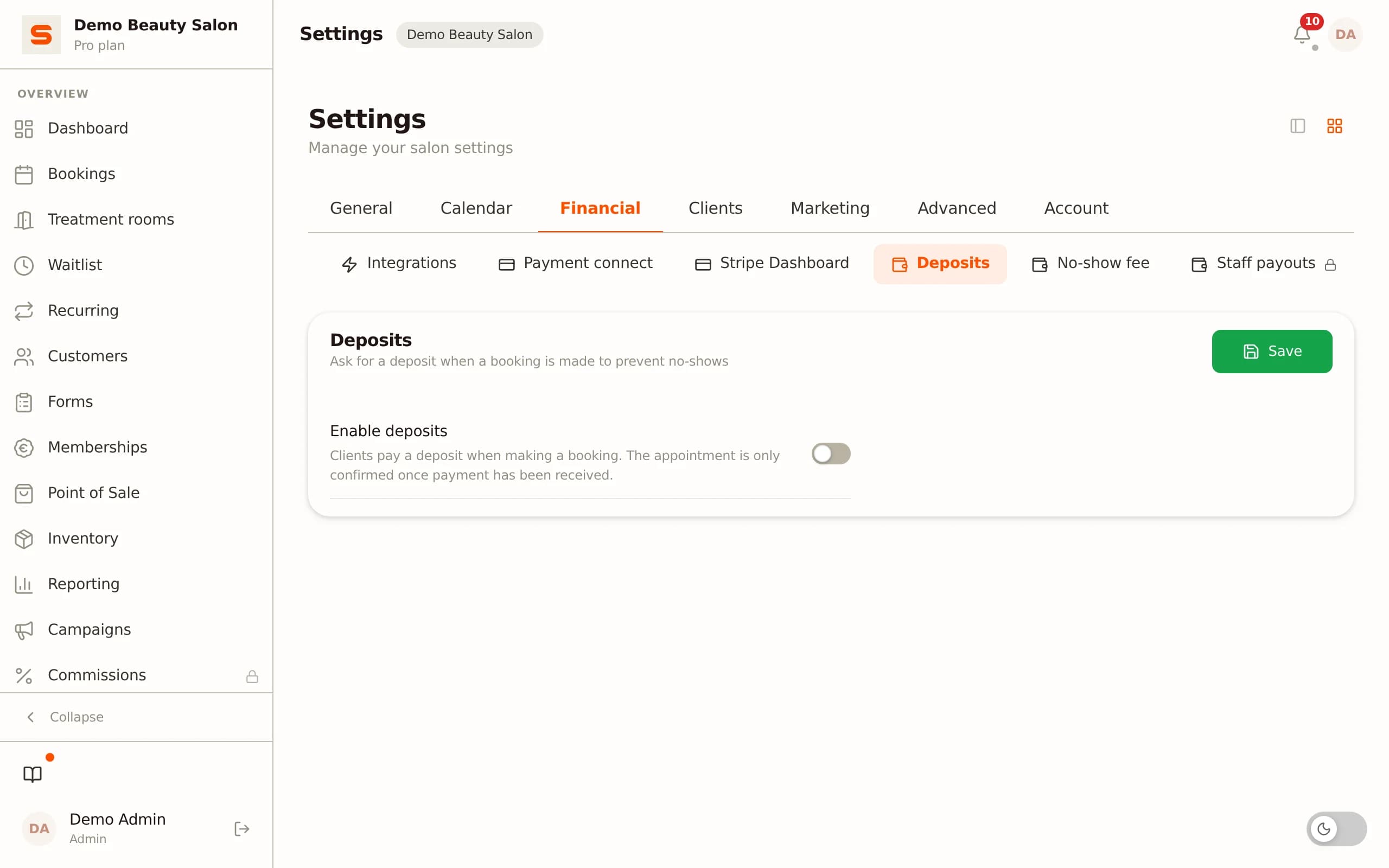
Every online or card payment carries a 0.5% transaction fee, with a minimum of €0.30 per payment. Work it out yourself:
- €20 deposit: 0.5% is €0.10, so the €0.30 minimum applies. - €60 deposit: 0.5% is exactly €0.30. - €80 full payment: 0.5% is €0.40.
Say you take 30 deposits of €20 a month. The fee is 30 x €0.30 = €9.00. Your subscription comes on top: Free costs €0, Starter €9.99 and Pro €14.99 per month, excl. VAT. On Pro that makes €9.00 + €14.99 = €23.99. Mollie's own per-transaction rates are added on top and differ per payment method; check those with Mollie. All prices are on the pricing page.
Wondering whether deposits pay off? Read asking for a deposit in your salon.
Payment status, settling a deposit and disputed payments
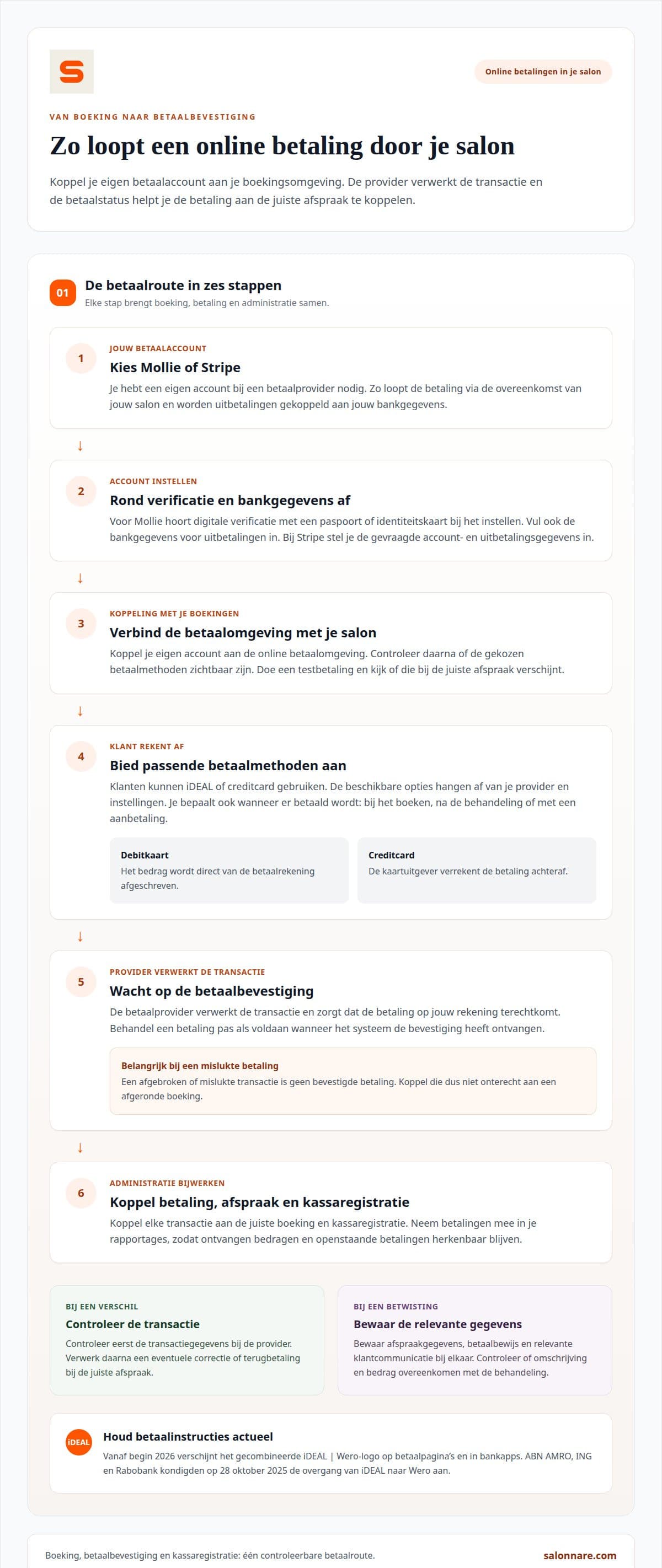
The payment status is what counts. Treat a payment as paid only once the confirmation is in, so an abandoned transaction does not stay linked to a completed booking.
Decide per appointment type when the client pays: at booking, after the treatment or with a deposit. At checkout, subtract the deposit from the total so the client only pays the balance. If the treatment changes, update the total first.
For a disputed payment, keep the appointment details, proof of payment and client communication together. Check that the description and amount match the treatment. If something differs, look at the transaction at the payment provider first, then process a correction or refund on the right appointment.
What Salonnare does and does not charge
Salonnare charges no marketplace commission on new clients. You do pay the 0.5% transaction fee (minimum €0.30) on online and card payments, plus your subscription. The payment goes through your own Mollie account straight to your bank account.
Besides payments you can record appointments and sales in the VAT-ready POS, keep client records and store health data in a separate encrypted GDPR vault. Want to try it? Start free with Salonnare.

About the author
Nick van Iersel · founder of Salonnare (VanIersel Development, Waalwijk)
Nick builds Salonnare together with the salons that use it. He writes about scheduling, point of sale, privacy and everything a salon runs into as a business.
More about Nick and his articles →Online payments for your salon
Connect your own Mollie account and let payments land on the right appointment. Start free.
Start free with SalonnareFrequently asked questions about salon payments
How do I set up online payments?
Start with services where paying online makes sense, such as a long treatment. Connect your own Mollie account, match the description and amount to what the client sees, and run a test booking on phone and computer.
How does an online payment work?
For a specific appointment the client picks a payment method. Mollie processes the transaction and passes on the result, after which you find the payment under the client or booking.
How is a deposit settled at checkout?
You subtract the amount already received from the total so the client pays only the balance. If the treatment changes, update the total first.
What does an online payment cost with Salonnare?
Every online or card payment carries 0.5%, minimum €0.30. On top come your subscription (Free €0, Starter €9.99, Pro €14.99 per month, excl. VAT) and Mollie's own rates.
How do you prevent no-shows and chargebacks?
Define per appointment type when clients pay and consider a deposit with clear cancellation terms. For a dispute, keep appointment details, proof of payment and client communication together.