



Salon marketing automation with a newsletter per treatment
A newsletter that follows the treatment someone just had feels more relevant than a message to everyone. This article shows how to group clients by treatment, when to send, and what a rebooking email can bring in. I work that last part out step by step.
Why a newsletter per treatment
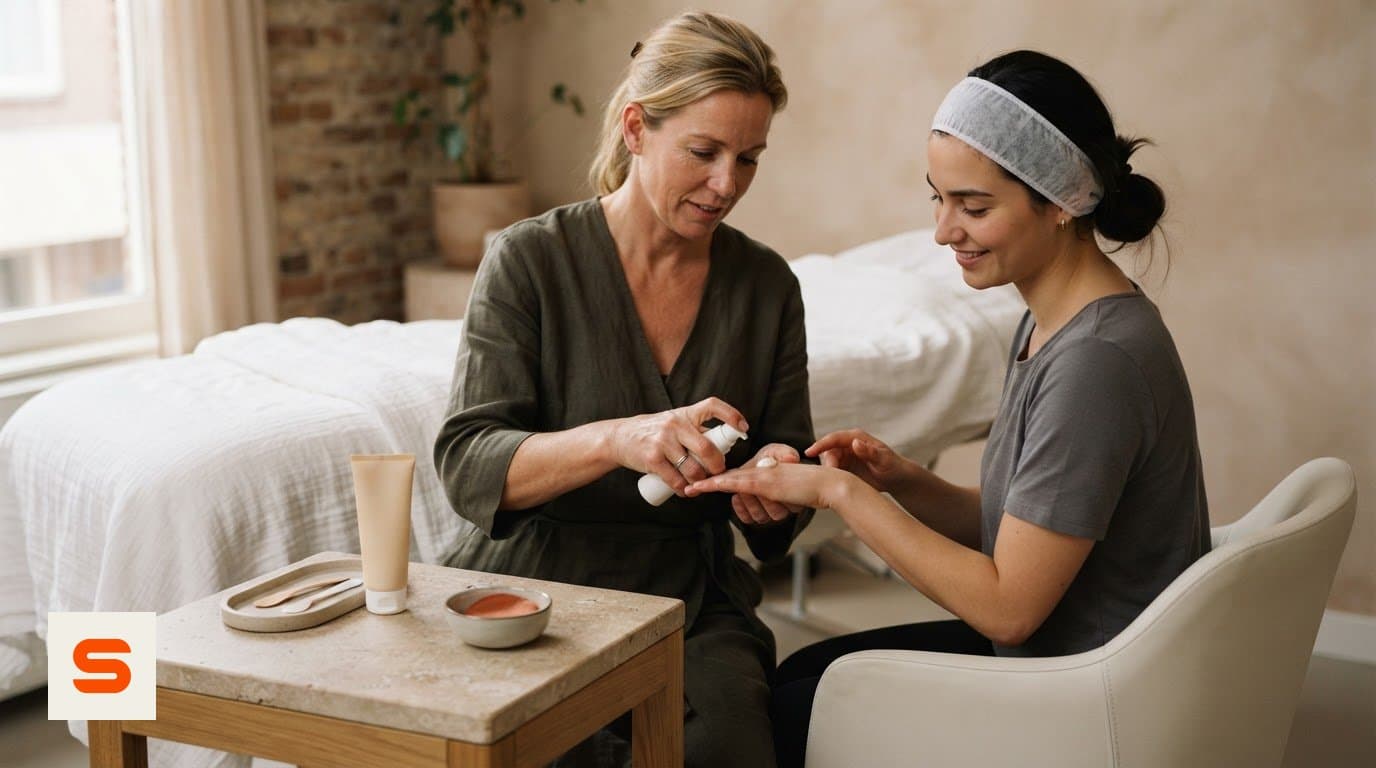
Marketing automation links a preset action to client behaviour. Someone books a colour treatment and later receives colour-care advice. A facial client gets something else. Keep the general newsletter for news that affects everyone, such as changed opening hours.
Pick one audience, one topic and one action per message. For the basics, see email marketing for hair salons.
Segmenting and choosing the right moment
Use booking history: last visit, booked treatment, new or returning client. Decide upfront why someone gets a message and always offer an easy unsubscribe.
Timing depends on the treatment rhythm. A rebooking invitation can follow 4-6 weeks after the visit. For regulars who have not booked for 6-8 weeks, prepare a reactivation message. Then measure opens, clicks and bookings per campaign and change one element at a time.

Pause campaigns in time so nobody gets two at once. See stop rules for marketing automation.
Worked example: what can one rebooking email bring in?
This is an assumption you can rerun with your own numbers, not a promise.
- 120 clients had a colour treatment in the last 6 weeks. - You send one rebooking email after 6 weeks. - If 10% rebook: 120 x 0.10 = 12 appointments. - A treatment costs EUR 65: 12 x 65 = EUR 780 revenue. - If only 5% rebook: 6 x 65 = EUR 390.
Subtract your own costs. For comparison: Starter is EUR 9.99 per month excl. VAT, Pro EUR 14.99. If a client pays online or by card, Salonnare deducts 0.5% with a EUR 0.30 minimum. On EUR 65 that is about EUR 0.33. Paying at the desk does not trigger that fee.
From interest to booking
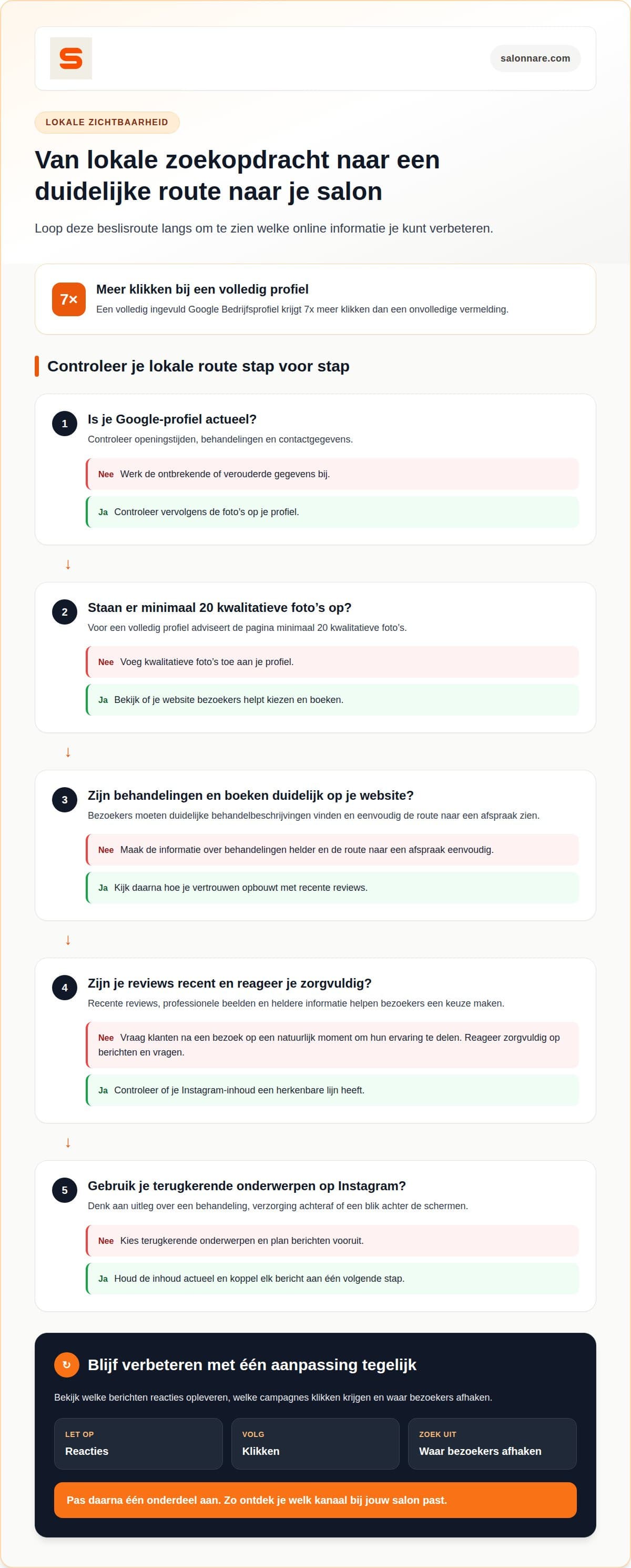
An email only works if the next step is easy. Put an online booking widget on the treatment page of your own website so clients can book straight away. Keep your Google Business Profile current with opening hours, treatments and recent reviews.
Salonnare has an encrypted GDPR vault for health data. Use client data only for a suitable purpose.
Start with one treatment and one email
Start free with Salonnare and see which bookings your first newsletter brings.
Start freeFrequently asked questions
How do I start with treatment newsletters?
Pick one treatment, one client group and one goal, such as rebooking. Write one message, test it with your own email address, then review opens, clicks and bookings.
How often can I email?
One message per client per moment is a good start. Make sure nobody receives two campaigns at once and pause temporary offers when they end.
Which salon software offers appointment reminders and email campaigns?
Salonnare offers automatic reminders and email campaigns, plus a booking widget for your own website. You can start free.